




How long should a donor thank you video be?
Thirty to sixty seconds. Supporters will watch a short, specific thank-you to the end; longer impact films belong in an annual report or event.
Free · made on your device · no watermark
Turn one number, a few photos from your work and two honest sentences into a thank-you your supporters will watch to the end.
Free, no account needed
A donor thank you video is a short film, ideally under a minute, that says thank you for a donation and shows what the money made possible. Choose a template from the donors, volunteers and coaches group, add photos from your projects, put the headline number on screen and export an MP4 for your follow-up email, your website or social channels.
Giving Tuesday falls on Tuesday 1 December 2026, and a thank-you sent within a day or two of a gift is the one supporters remember. Paid donor-video services charge by the month; this maker is free, adds no watermark and runs in your browser, so photos of the people you help stay on your organisation’s computer.
Thanking people who give their time instead of money? The volunteer appreciation page is the place.
In Templates, open the donors, volunteers and coaches designs. Landscape 16:9 suits a website or email; change Format to Square 1:1 or Vertical 9:16 for social posts.
Press Add photos or clips and add photos or short clips from your projects, cleared for use under your safeguarding policy.
In Text, lead with one concrete number (“340 children went to camp”) and follow with a plain thank-you and your charity’s name.
Add a song with Add music if you like, press Export video and choose MP4, or GIF for a silent loop that plays inside many email programs. Then Download video.
Open one to start; every word, photo and the shape can be changed. All donors, volunteers and coaches templates
Forest green and cream with one huge impact number for donors, made for Giving Tuesday
Coral and cream with a progress bar that fills to the top, for everyone who backed a fundraiser
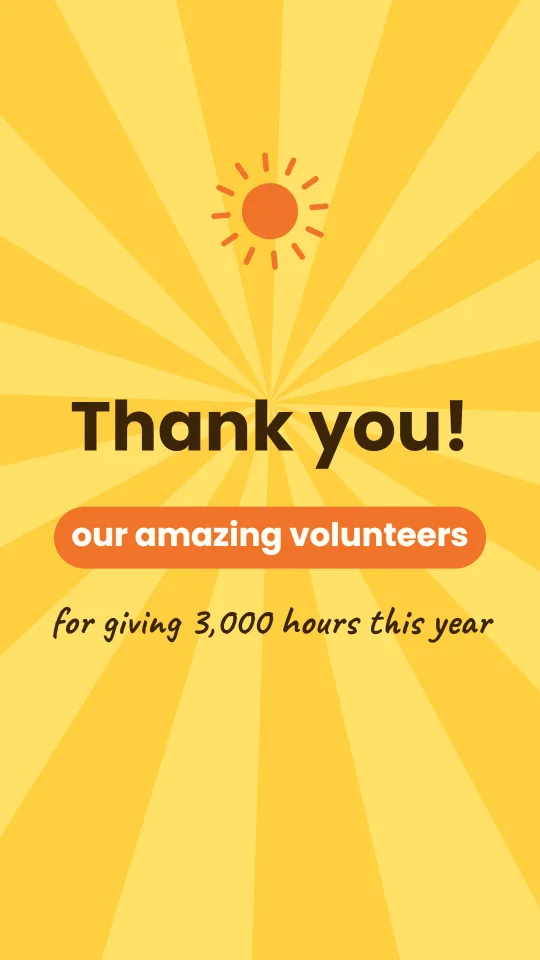
A sunny yellow square with a spinning sun and big friendly type that thanks volunteers for their time
Stadium navy, diagonal stripes and tall poster type to thank a coach at the end of the season
A calm dawn-blue wash, soft light and a classic serif for thanking a pastor, minister or church family
Slate, sand and a laurel wreath: a respectful thank you for your service, with no flags or insignia
Giving Tuesday is on 1 December 2026. Most charities spend the weeks before it planning the appeal and very little time on the thank-you, yet a fast, warm thank-you is what turns a first gift into a second one.
Pick a single result supporters can picture: meals served, nights of shelter, trees planted. Three numbers blur; one sticks.
Photos of staff, volunteers and, with permission, the people you serve. Blurry phone photos from the field feel more honest than stock images.
“Thank you for your donation” is fine as a headline; follow it with what happened next in plain words, and sign it from a real role, such as the project lead.
Dedicated donor-video platforms record personal clips, send them by email and track who watched; they are useful for large teams and charge accordingly. This site does one part of the job, making the video, for free. You send it with the email or social tools you already have, and nothing about your donors is entered here.
Thirty to sixty seconds. Supporters will watch a short, specific thank-you to the end; longer impact films belong in an annual report or event.
Tuesday 1 December 2026, the Tuesday after US Thanksgiving. Many UK charities take part too.
Most email programs do not play video inside the message. Export a GIF to show movement in the email, and link it to the MP4 on your website or video channel.
No. It makes the video file only; there is no CRM or mailing-list connection, and no donor details are entered or stored here.
Only with their consent and in line with your safeguarding policy. Because nothing is uploaded, the photos stay on your computer until you choose to publish the video.
Yes. There is no charge, no account and no watermark on the exported video.