
How do I make a 1K subscribers thank-you video?
Choose a template, type “1K” as the headline with a short thank-you, add a few of your best moments as photos or clips and export in Vertical 9:16. Post it as a Short, Reel or TikTok.
Free · made on your device · no watermark
Put the number on screen, look back at the posts people loved and thank the followers who got you there, in a clip made for Shorts, Reels and TikTok.
Free, no account needed
A “thank you for subscribing” video is a short vertical clip, usually 10 to 30 seconds, that marks a subscriber or follower milestone and thanks the people behind it. Pick a template, make the number the headline, add stills or short clips from your best posts and export a 9:16 MP4 to post as a Short, a Reel, a TikTok or a Story.
There is no watermark from us, so it looks like your own work from the first frame, and nothing is uploaded while you make it. For the end of every video rather than a one-off celebration, make a personalised thanks for watching card instead; for wording, the thank you message ideas have lines you can adapt.
Choose a bold design under Templates. Keep Format on Vertical 9:16 for Shorts, Reels, TikTok and Stories, or pick Portrait 4:5 for a feed post.
In Text, make the milestone the headline (“1K”, “10,000”) with one line underneath: “Thank you for subscribing.”
Press Add photos or clips for stills or short clips from the videos that took off, your very first post and a photo of you or the team.
Press Add music under Music for a track you are allowed to use, or export without music and add a sound in the app. Check it with Play.
Press Export video for an MP4 (or a GIF to pin in a community post), then Download video, or Share on a phone, and post it as usual.
Open one to start; every word, photo and the shape can be changed. All thanks for watching templates
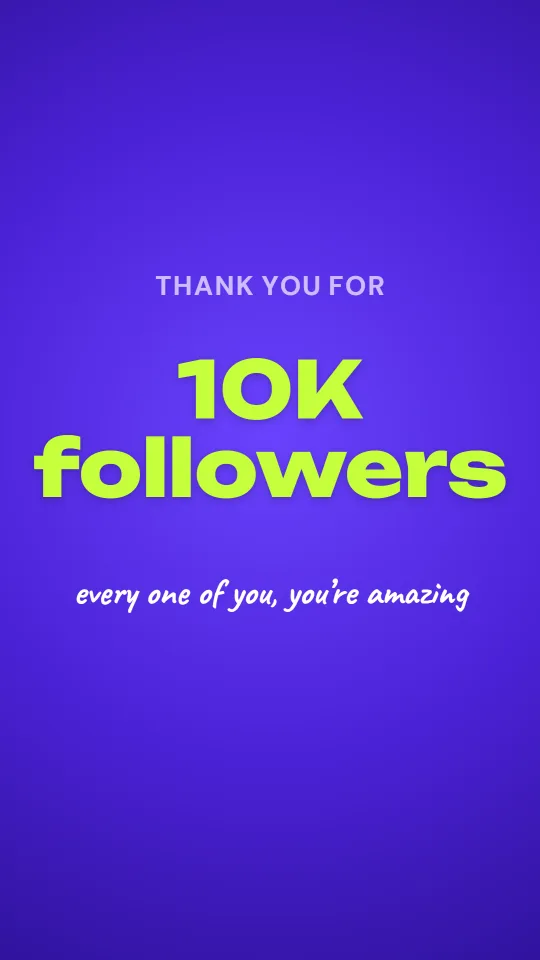
Celebrate a follower or subscriber milestone with a huge number, confetti and your photos
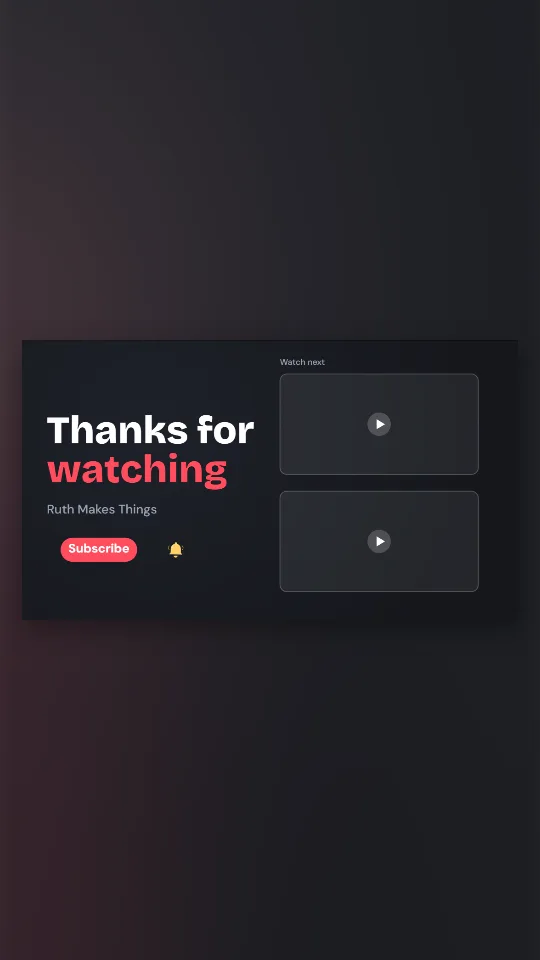
A dark 16:9 end screen with your channel name, a subscribe pill and two frames for your next videos
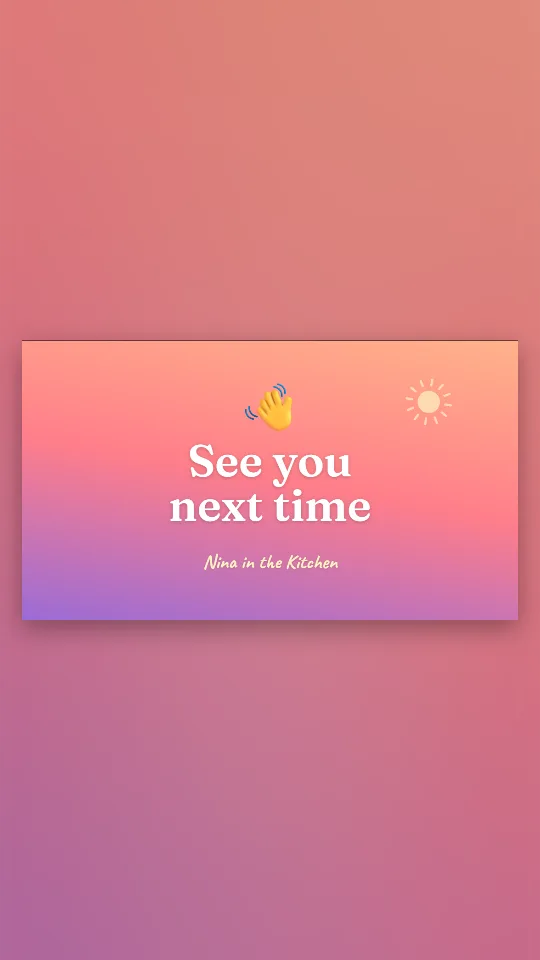
A waving hand and a warm sign-off on a sunset gradient, with your name underneath
A vertical sign-off for shorts and stories: your clip full-screen, then a cheery handle card
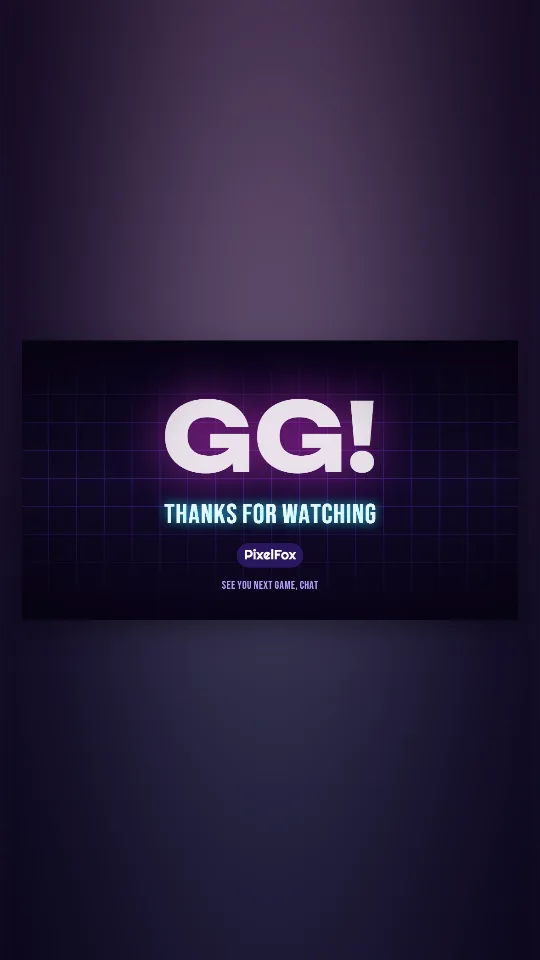
A glowing GG over a drifting synth grid for the end of a stream or gaming video
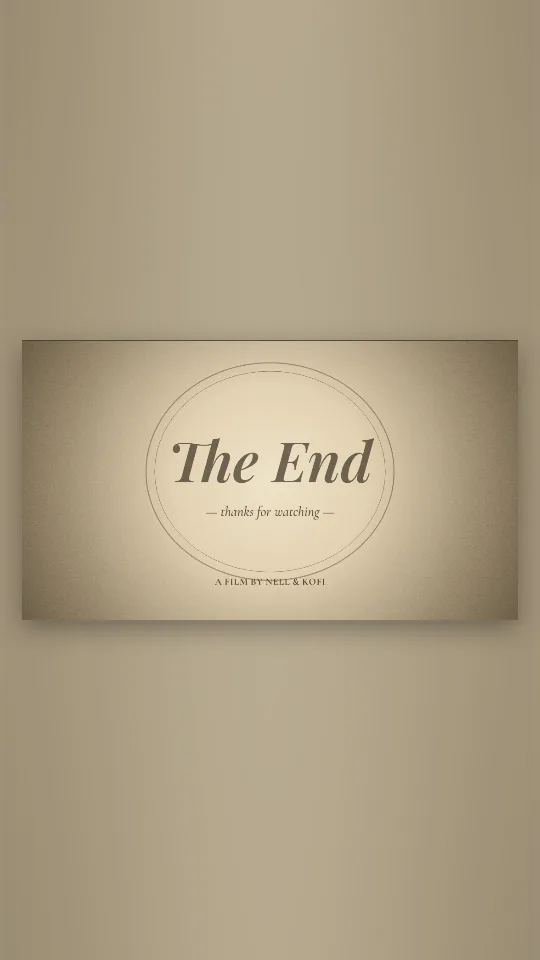
An old-cinema title card: sepia flicker, film grain and a classic italic The End
Small and personal works best. Thank the first hundred by naming what they did: the comments, the shares, turning up to every upload. A single photo of your set-up and two lines of text is enough.
Show the journey: the first video next to the latest one, then the moment it took off. Ten to twenty seconds, with the number arriving in the first frame.
A countdown of the three videos people loved most, a look behind the camera, and a sincere thank-you at the end. Make it feel like a celebration, not a sales pitch.
Thank people first. If you are running a giveaway to mark the milestone, say so at the end and in the caption, not in the opening seconds.
Music added here is baked into the MP4. If you are unsure you can use a song, export it silent and pick a sound from the platform’s own library when you post; the platform has already licensed those for use there.
Choose a template, type “1K” as the headline with a short thank-you, add a few of your best moments as photos or clips and export in Vertical 9:16. Post it as a Short, Reel or TikTok.
Ten to thirty seconds. Long enough to feel like a celebration, short enough that people watch it twice.
Yes, if you have the original files on your device. Add them with Add photos or clips; they are never uploaded to us.
Yes. Choose GIF when you export for a short silent loop, handy for a community post, a pinned comment or a newsletter.
Not directly. Press Download video, or Share on a phone to hand it to the app, then post it as usual.
No. The exported file has no watermark and no logo from us, and making it is free.