



Can I make a thank you meme GIF with a photo?
Yes. Add the photo with Add photos or clips, then write the top and bottom lines in Text. It saves as a looping GIF, meme-style, with your own caption.
Free · made on your device · no watermark
Over-the-top gratitude, a photo with a caption, a mock award: make a silly thank-you that only your friend, flatmate or team will fully get.
Free, no account needed
Download one as it is, or personalise it with a name and your own words; it is made on your device in a few seconds.




A funny thank you GIF is a looping joke that says thanks: dramatic lettering, a mock award, or a photo of the person with a ridiculous caption. Make one here by picking a playful design, writing your own punchline, adding a picture if you like, then pressing Export video and choosing GIF.
The best funny thank-yous are in-jokes, which is why a stock meme rarely beats one you made yourself. Your photo stays on your device while the GIF is made in your browser, and the loop has no watermark. For a straight, all-purpose version, start from the thank you GIF maker.
In Templates, look through the GIF designs for bouncy lettering, mock headlines and award styles. Square 1:1 works best in chats.
In Text, put the big claim on top (“Employee of the Century”, “Certified Lifesaver”) and the real reason underneath, so the thanks still lands.
Add photos or clips adds a photo from your device: the borrowed car, the rescued plant, the spreadsheet that finally balanced.
Press Play to check the timing, then Export video, choose GIF and Download video or Share.
Open one to start; every word, photo and the shape can be changed. All thank-you gifs templates
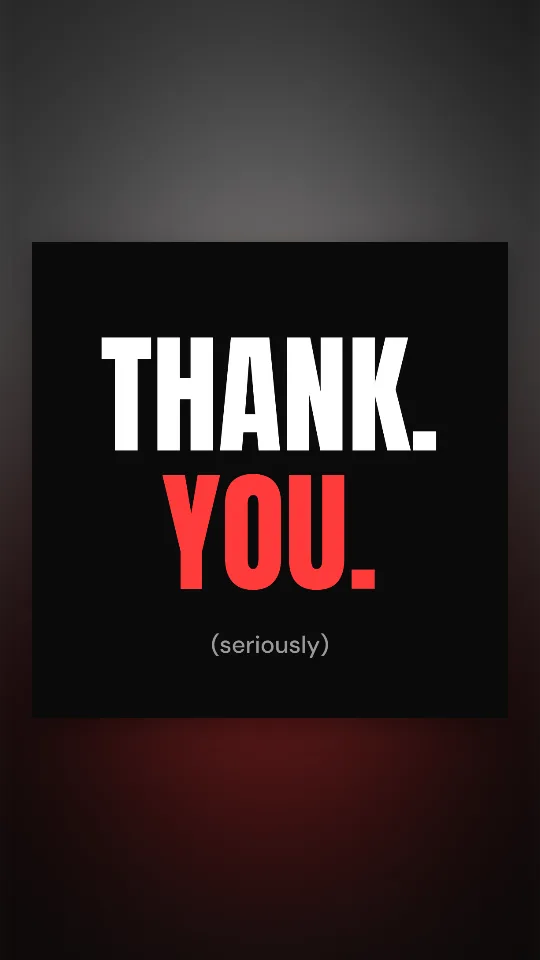
Two huge words slam onto black one at a time, then a small “(seriously)” underneath
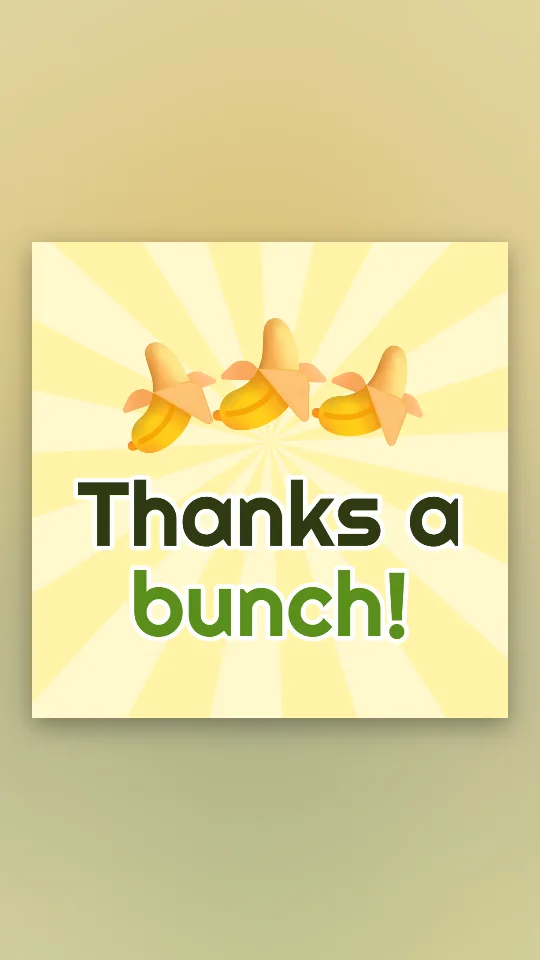
A pun in banana yellow: a wobbling bunch of bananas and a big “Thanks a bunch!”
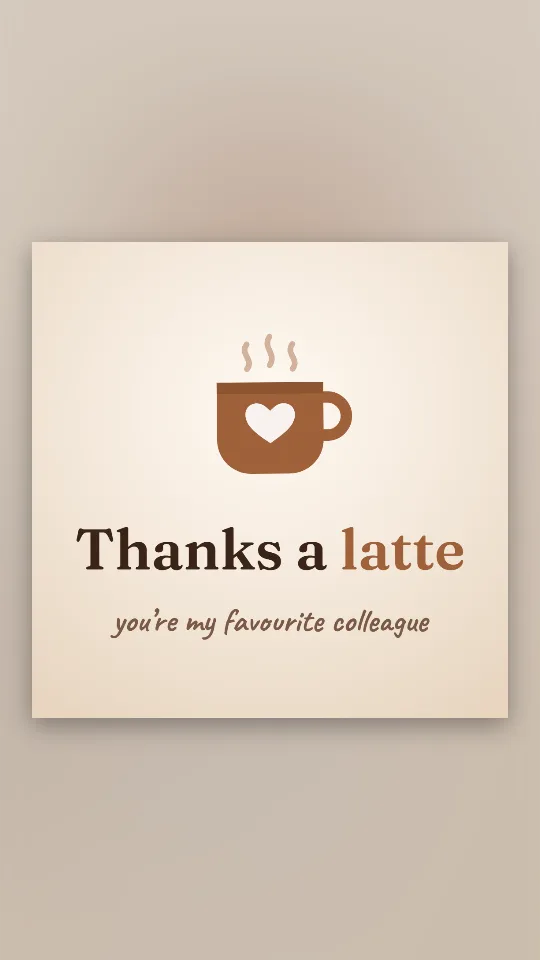
A steaming mug with a heart on it and a coffee-house pun in cream and espresso
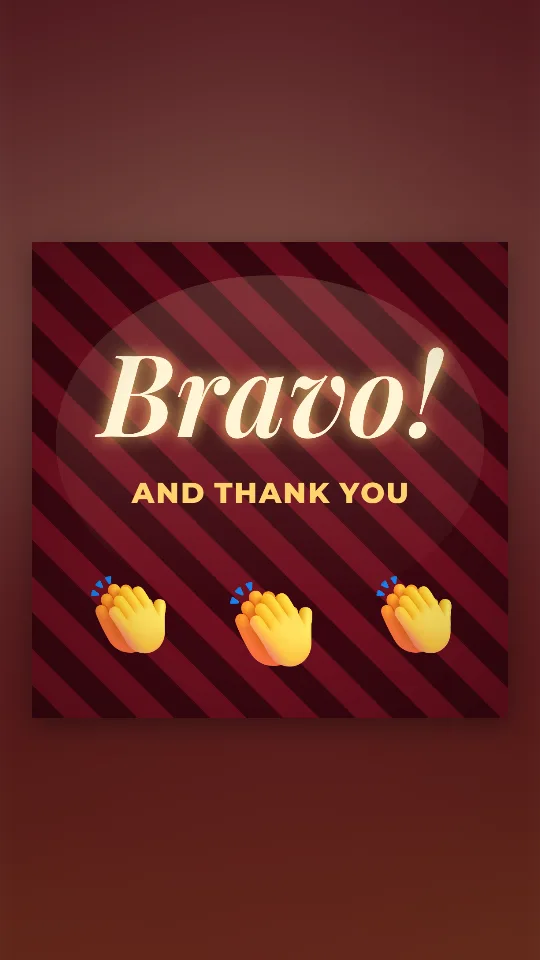
Velvet curtains, a spotlight and a row of clapping hands for a well-earned bravo
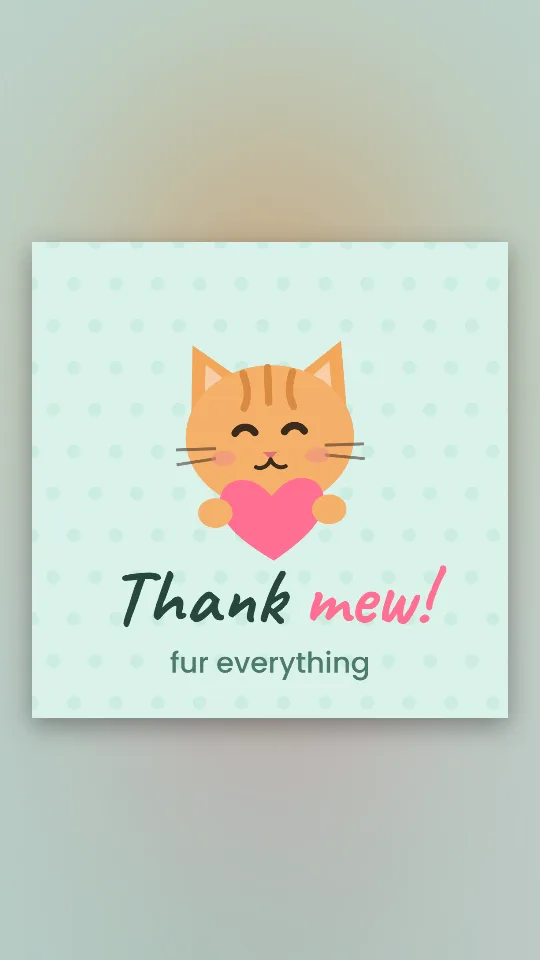
A ginger cat with a heart and a cheeky pun, on mint with tiny paw-pad dots
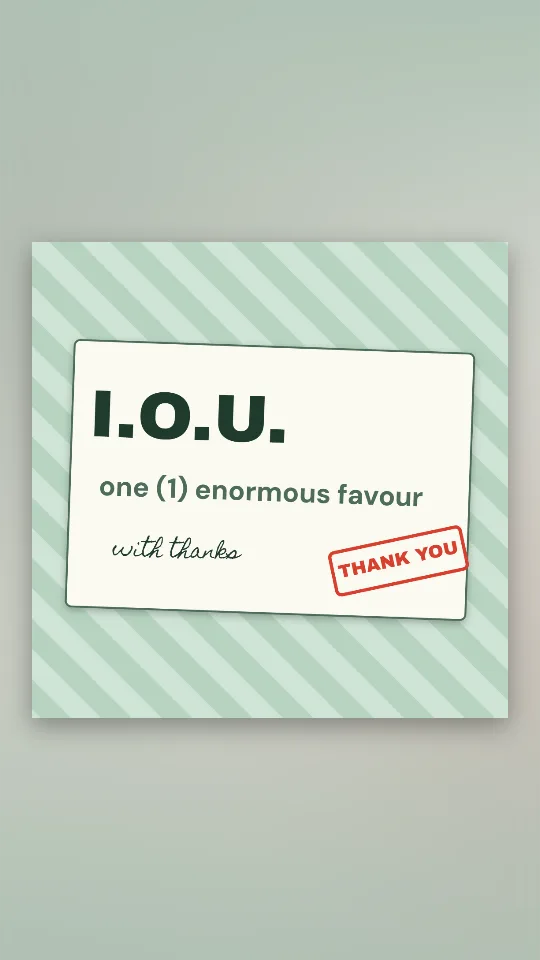
An official-looking IOU slip promising one (1) enormous favour, stamped and signed
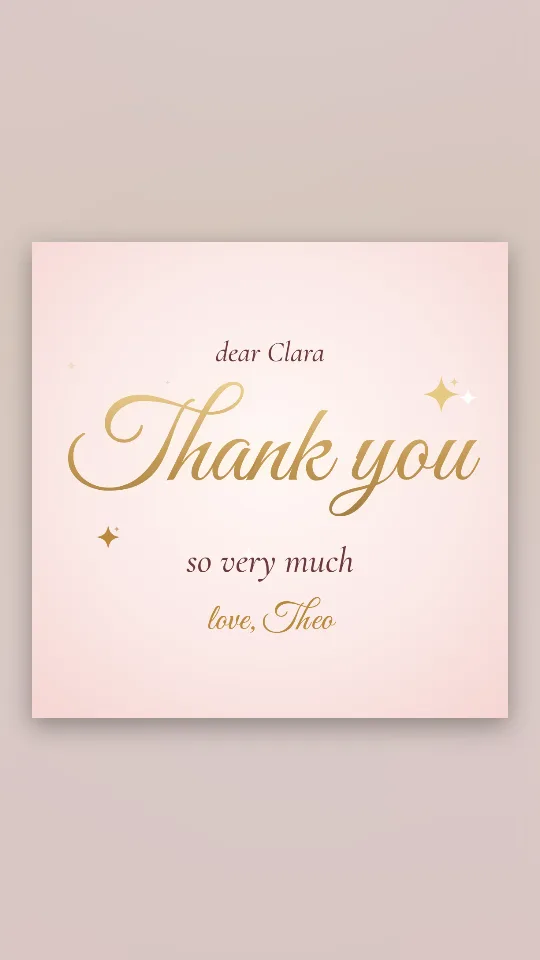
Flowing gold lettering on a blush ground, with a few sparkles catching the light
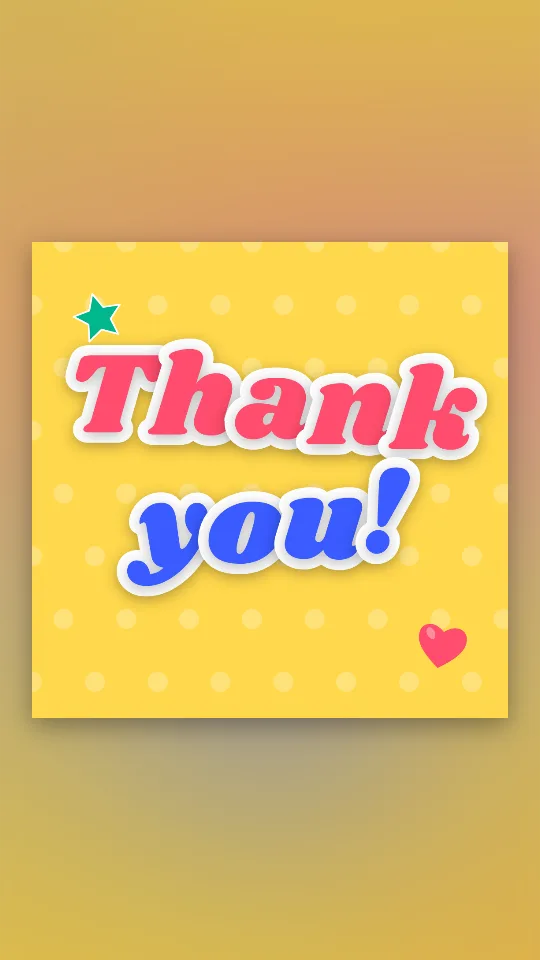
Chunky sticker-style letters that drop in one by one and keep bobbing on sunshine yellow
Whatever the joke, keep the actual reason for the thanks in the GIF. Funny with a point feels warm; funny without one can read as brushing the favour off.
Friends, siblings, flatmates, teammates and the group chat that helped you move house. A silly GIF in a work channel is fine for small, everyday favours between colleagues who already joke together.
Thanks to a manager you rarely talk to, a client, a donor or anyone after a hard time. For those, a calmer design such as the thank you so much GIF or a proper video thank-you card is safer.
If the joke uses someone’s photo, make sure they would laugh too, especially before it goes into a big group chat.
Yes. Add the photo with Add photos or clips, then write the top and bottom lines in Text. It saves as a looping GIF, meme-style, with your own caption.
Use your own photos or the designs here. Pictures from films, TV or other people’s posts belong to someone else, so they are best avoided in anything you share widely.
For small favours between colleagues who already joke together, usually yes. For thanking a manager, a client or a whole department, pick a straighter design.
Not to a GIF, which is always silent. If the punchline needs a sound or a song, export an MP4 instead by choosing MP4.
Yes: no account, no fee and no watermark on the GIF.
Square 1:1 suits most chats. Keep the loop to a few seconds and the lettering large so the joke reads at a glance.