


Is this a free thank you ecard maker?
Yes. Making and exporting the card is free, with no account and no watermark. Sending it costs whatever your email or chat app costs, which is usually nothing.
Free · made on your device · no watermark
A digital card with your own photos, words and music. Design it in your browser, then send the file by email or chat; no links that expire, no adverts around it.
Free, no account needed
A virtual thank you card is a digital card you send instead of, or as well as, a paper one; this one plays like a short film. Choose a card-style template, write inside it, add a photo or two and a song, then export an MP4 (or a silent GIF) to send by email, text or chat.
Most thank you ecard sites send a link to a page that hosts your card, often with adverts and an expiry date. Here you get the file itself, it costs nothing, and because it is made in your browser your photos are never uploaded. For the wording, borrow from the thank you message ideas; for something longer and photo-led, see the thank you video ideas.
Browse Templates for a layout that looks like stationery: a framed message and room for a photo. Square 1:1 under Format feels most like a card on a phone.
In Text, write the front line, the message and the signature, just as you would with a pen.
Press Add photos or clips for a picture of the gift, the day or the people you are thanking. One to five photos keeps it card-like.
Under Music, press Add music and pick a song file from your device, or leave it silent for a quieter card.
Press Export video and choose MP4 for a card with sound or GIF for a silent loop, then Download video or Share and attach it to an email or a message.
Open one to start; every word, photo and the shape can be changed. All everyday gratitude templates
A virtual thank-you card: an envelope arrives on deep teal and opens to a handwritten note
Soft peach and sage washes, a hand-lettered thank-you and photos in deckled cards
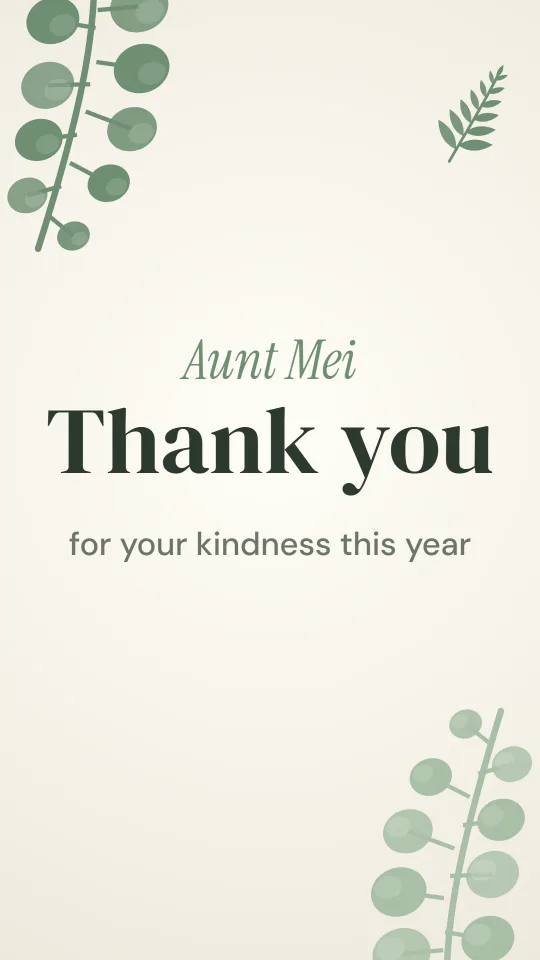
Sage eucalyptus sprigs framing warm ivory and a confident serif: calm, botanical gratitude
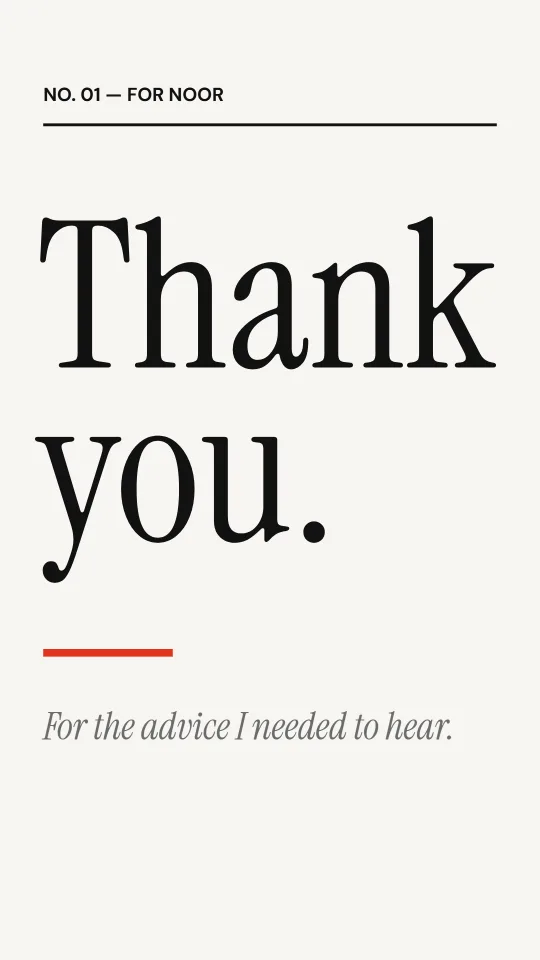
Magazine-style black and white with a single red rule and an oversized serif thank-you
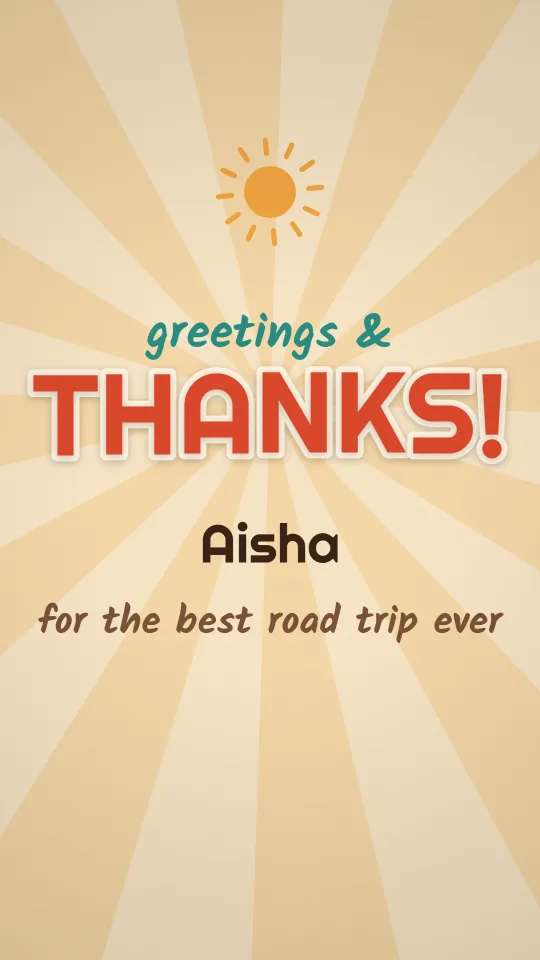
Seventies sunburst, chunky rounded letters and stamp-edged photos, like a thank-you postcard from holiday
Butter yellow, a steaming mug and friendly handwriting for small kindnesses from neighbours and friends
A printed thank you card is still lovely on a mantelpiece, but it takes days to arrive and its photos stay still. A link-based ecard is quick, though it lives on someone else’s website. A video card is a file the person keeps for good, with your own photos and music, sent in seconds.
Plenty of people do both: a handwritten card in the post and the digital one the same evening, so the thanks lands while the moment is fresh.
Email services usually cap attachments at about 20 to 25 MB. A short card is well under that; for a longer one, use a cloud drive link or send it in a chat app. Give the file a friendly name such as “thank-you-from-us.mp4” before you send it.
Photograph the present in use and put it on the card. It shows the gift landed well, which is what the giver really wants to know.
Handwriting a card to every guest takes weeks. One warm card sent to the whole list can be the thank-you or sit alongside the paper notes; the wedding thank you video page has more.
A neighbour, a carer, the friend who drove you to hospital. A short card with a photo of you back on your feet says it better than a long letter.
Yes. Making and exporting the card is free, with no account and no watermark. Sending it costs whatever your email or chat app costs, which is usually nothing.
No. It is an ordinary MP4 or GIF file that opens on phones, tablets and computers.
No. There is no link: the card is a file, so it lasts as long as the person keeps it.
Choose a template that looks like stationery, use Square 1:1 and keep the text short, with a signature line at the end.
Export once and attach the same file to a group email, or post it in a group chat. Everyone receives the same card.
Yes. They are read from your device and the card is made in your browser; nothing is uploaded to us.