



Can I change the text in the animation?
Yes. Every word is editable in Text, so the animation can say anything from a simple “Thank you” to a team name and a date.
Free · made on your device · no watermark
Choose a moving thank-you design, put your own name or message on it, and save it as an MP4 for a video or a GIF for slides and chats.
Free, no account needed
Download one as it is, or personalise it with a name and your own words; it is made on your device in a few seconds.


A thank you animation is a short moving greeting, usually a few seconds of lettering, shapes or hearts that build into “Thank you”. Stock animations are fixed; here you pick a design, change the words to your own, and press Export video to save it as an MP4 or a looping GIF.
Use it at the end of a video, on the last slide of a deck, in a team chat or as an email signature for a thank-you campaign. It is made in your browser with nothing uploaded, no account and no watermark. If it is going into a presentation, the thank you slide designs are tuned for that job.
Under Templates, pick a design whose movement suits the mood: a calm fade of serif lettering, a bouncy pop, a burst of hearts. It opens Square 1:1 with a GIF ready to export; change Format for landscape or vertical.
In Text, write your own line: “Thank you”, “Thanks for everything”, a team or company name, or who it is for.
Optional: Add photos or clips places a logo or picture from your device into the design.
Press Play to check the motion, then Export video: choose MP4 to add it to a video or a slide with sound, or GIF for a silent loop. Then Download video.
Open one to start; every word, photo and the shape can be changed. All thank-you gifs templates
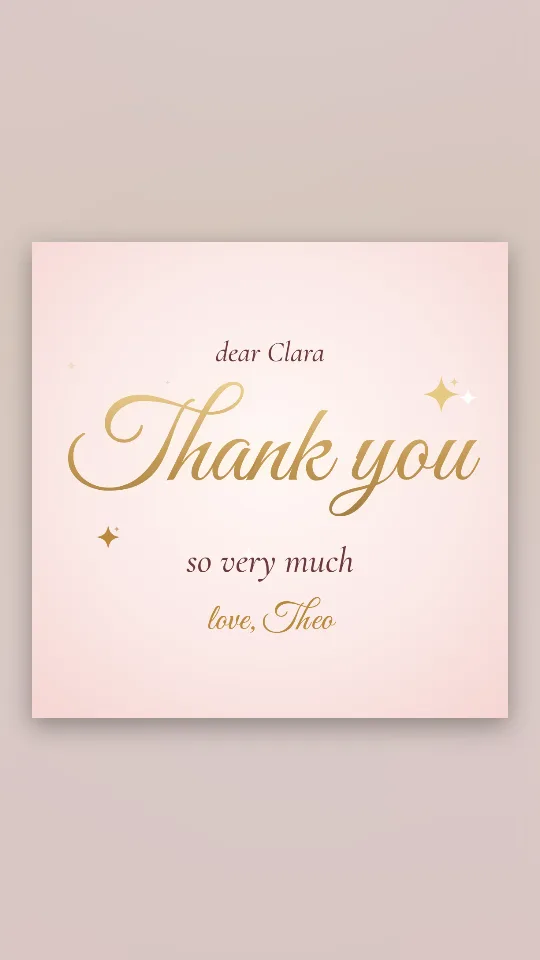
Flowing gold lettering on a blush ground, with a few sparkles catching the light
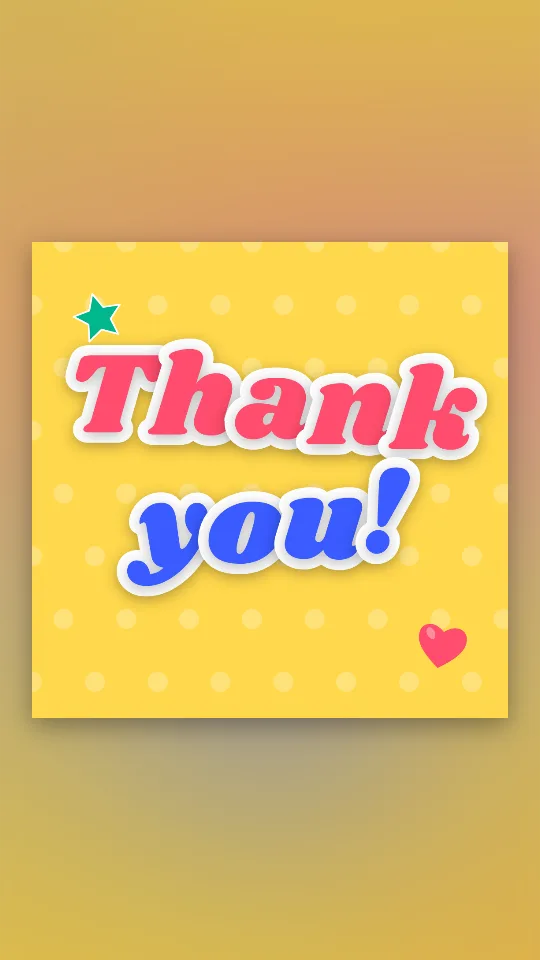
Chunky sticker-style letters that drop in one by one and keep bobbing on sunshine yellow
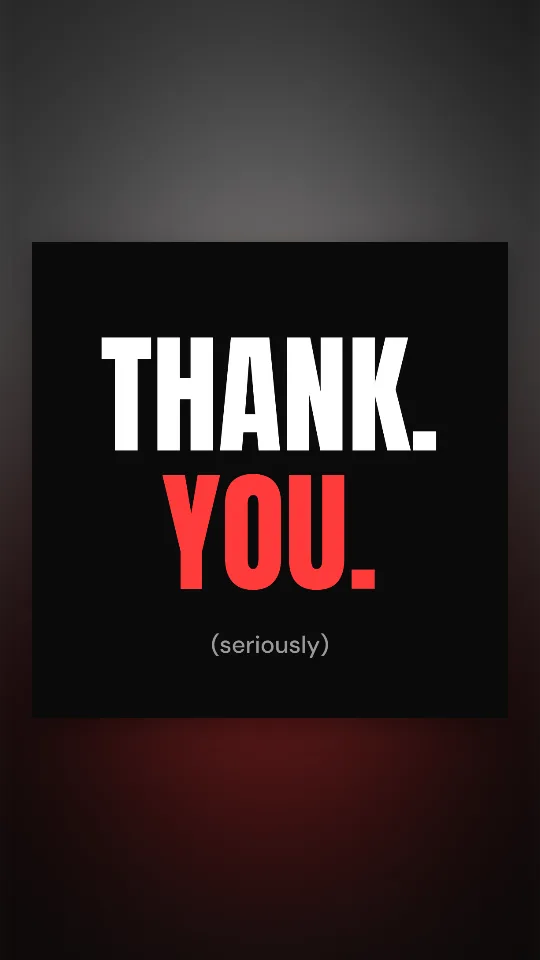
Two huge words slam onto black one at a time, then a small “(seriously)” underneath
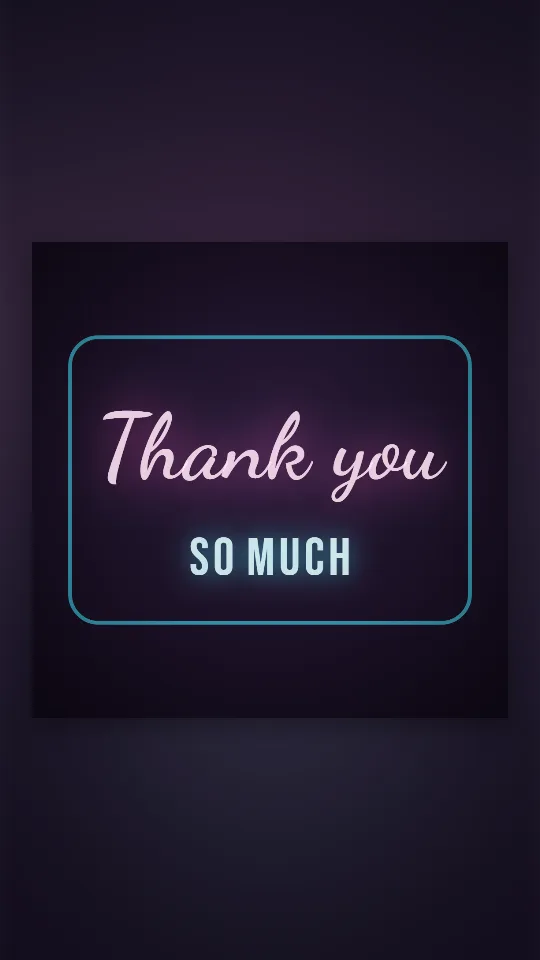
A pink-and-cyan neon sign that buzzes on against a dark wall and hums softly
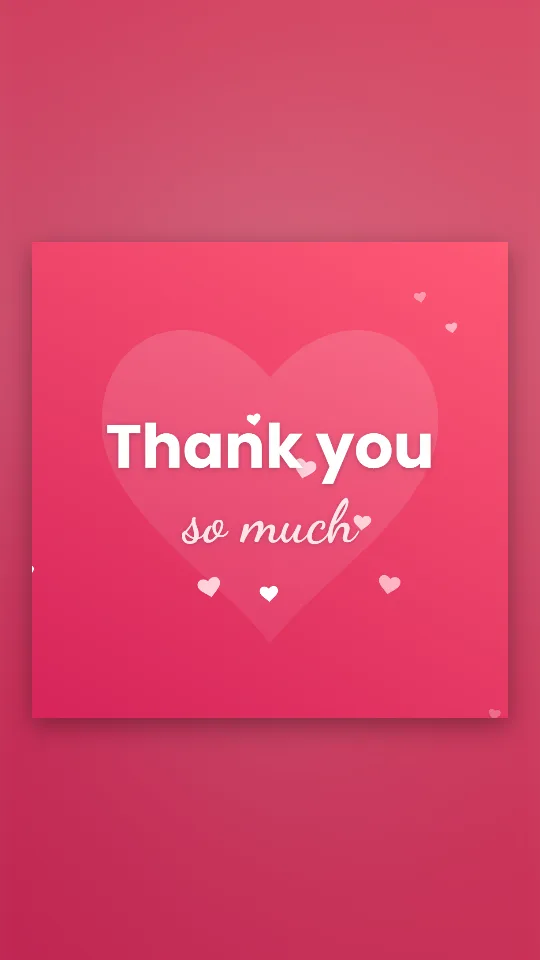
Hearts drift up through raspberry and coral while a big heart beats behind the words
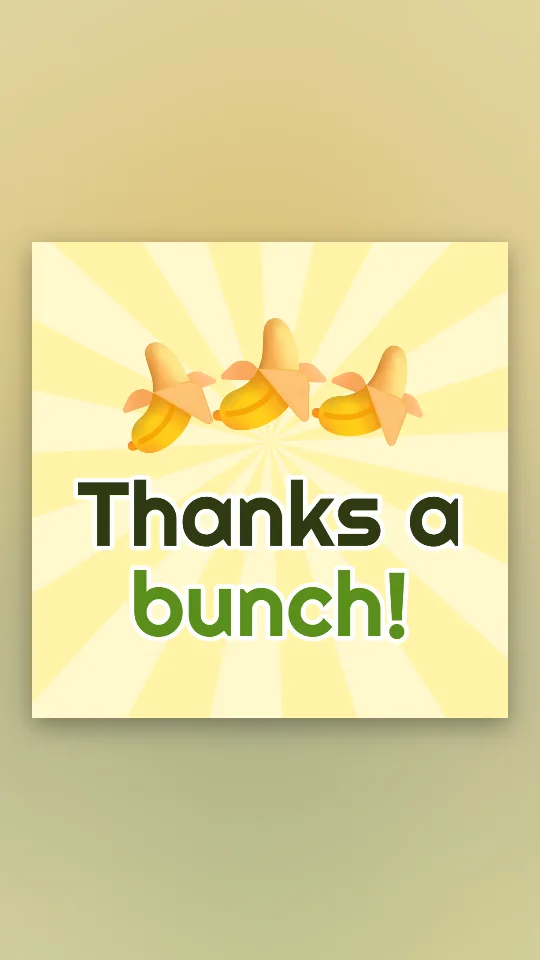
A pun in banana yellow: a wobbling bunch of bananas and a big “Thanks a bunch!”
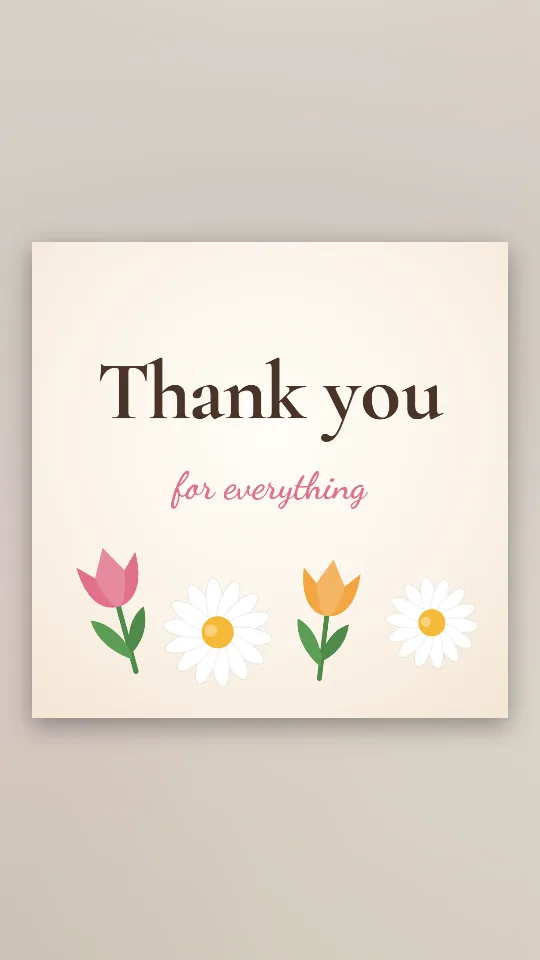
Tulips and daisies spring up around a soft serif thank-you on warm cream
THANK YOU SO MUCH in tall condensed capitals sliding across colour bands
If you are unsure, export both: the same design gives you a GIF for the chat and an MP4 for the video.
Add the MP4 as the last clip in your editing app. For a channel end card with your name and a subscribe nudge, the thanks for watching page has outro designs.
A short loop on the final slide replaces a static “Thank you”. A GIF inserts as a picture; an MP4 goes in through the app’s video menu.
A square GIF makes a quick, personal reply in WhatsApp, Slack or Teams. The thank you GIF maker has more chat-sized designs.
Yes. Every word is editable in Text, so the animation can say anything from a simple “Thank you” to a team name and a date.
The exports have a background colour from the design you choose. Pick a design whose background matches where it will sit, such as white for a plain slide.
Yes. There is no fee, no account and no watermark, and you can use the result in your own videos and presentations.
Landscape 16:9 for videos and slides, Square 1:1 for chats and feeds, Vertical 9:16 for Stories. Switch any time in Format.
Yes, if you export an MP4: press Add music under Music and choose a song file from your device. GIFs are always silent.
No. Pictures you add are read by your browser and the animation is made on your device.