
How long should a retirement video be?
Three to five minutes for a long career with many contributors; two minutes if it is mostly photos. Anything longer is better split into a short video for the party and a longer one to take home.
Free · made on your device · no watermark
Old photos, a few words from the people who worked alongside them and a song from the right decade, made into a tribute they will keep.
Free, no account needed
A retirement video is a short tribute, usually three to five minutes, that walks through someone’s working life in photos and messages and thanks them for it. Start from a retirement template, add the pictures and clips you have collected, write the headline and export an MP4 to play at the retirement party or hand over on a USB stick.
Need something quicker for the team chat? Export the same design as a GIF instead: a looping “Happy retirement” that drops straight into a message. Either way the photos stay on your computer, nothing is uploaded and there is no watermark.
Someone leaving for another job rather than retiring needs a lighter touch; the farewell video page is written for that.
Under Templates, open the colleagues and teams designs and choose a calm, classic one. Landscape 16:9 under Format suits a function room screen.
Press Add photos or clips and add photos in rough date order: the early years, the big projects, the last team. Slip colleagues’ video messages in between.
In Text, add the headline, the years of service and who it is from, such as “From everyone at the depot”.
Press Add music and pick a track from your device, ideally one from the decade they started work. Watch it through with Play.
Press Export video and choose MP4 for the full tribute with sound, or GIF for a short silent loop, then Download video.
Open one to start; every word, photo and the shape can be changed. All colleagues and teams templates
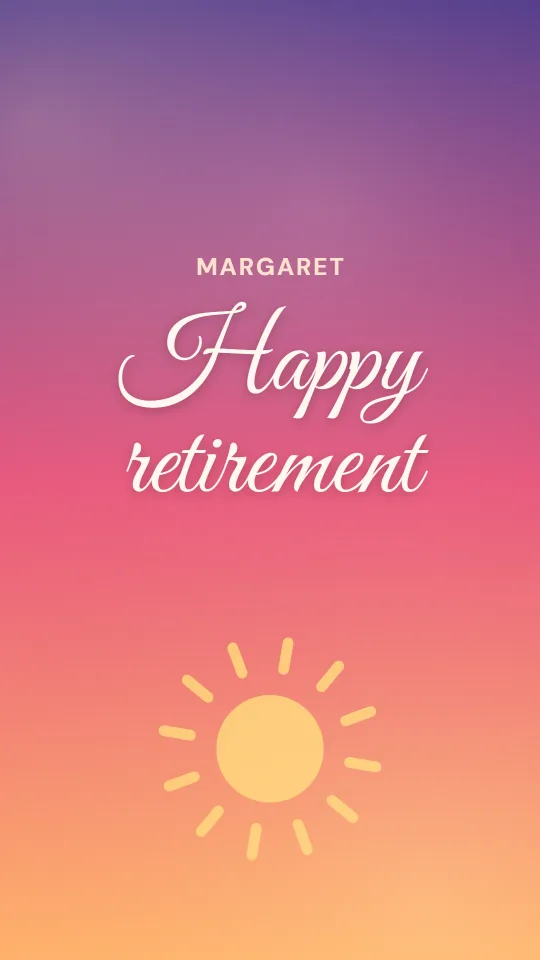
A slow sunset gradient, a rising sun and flowing script for a warm happy-retirement film
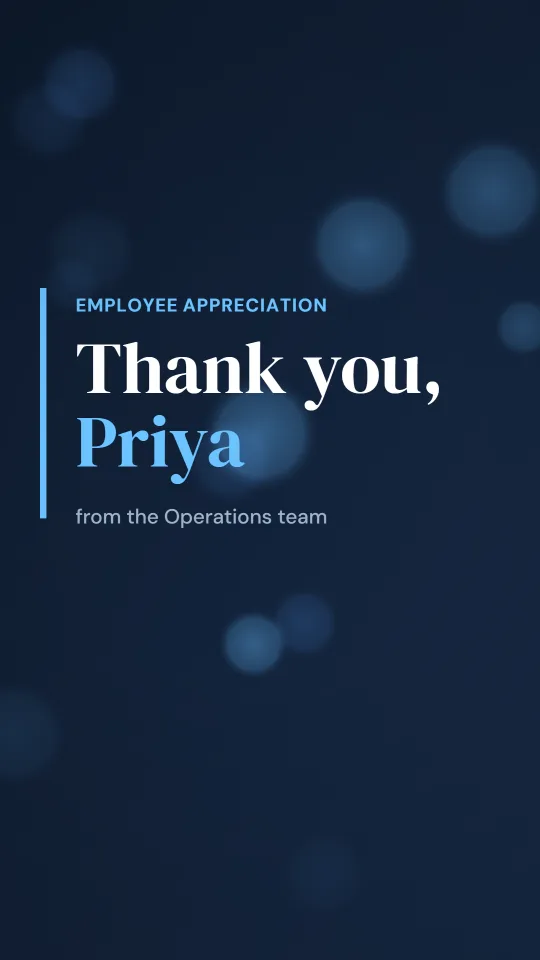
A polished navy widescreen film with a split-screen photo spotlight for employee appreciation
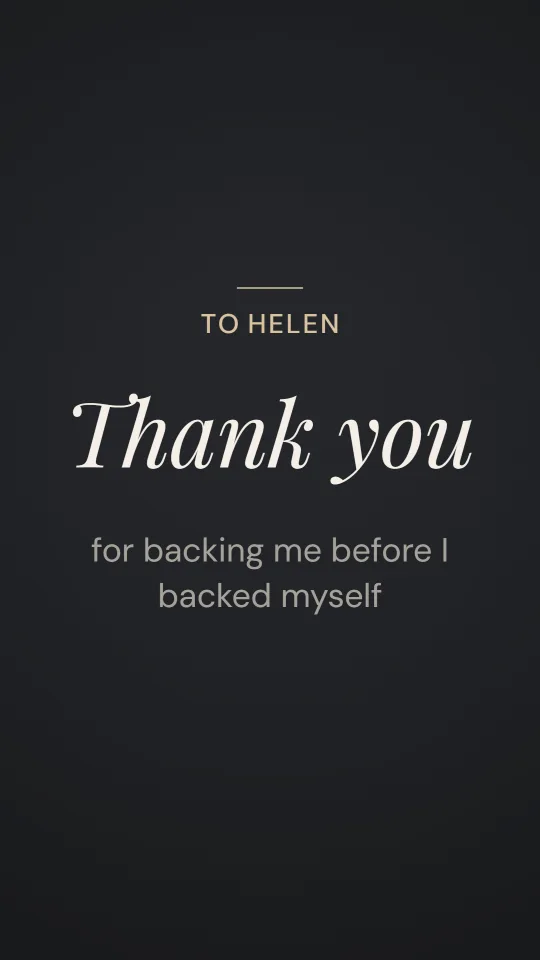
Charcoal and champagne with an italic serif, for a measured, sincere thank-you to a manager
A sunny, silly leaving video with a paper plane, postage-stamp photos and a big “good luck”
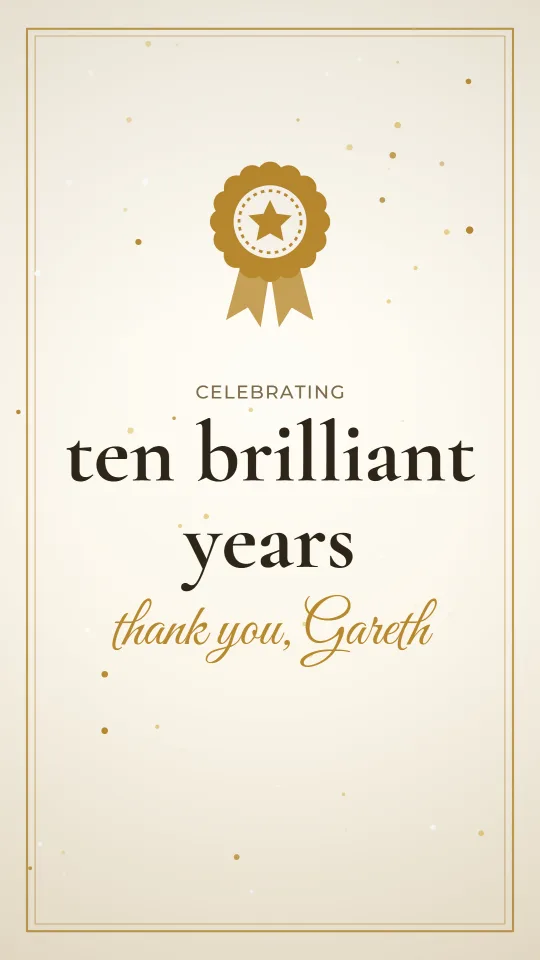
Gold foil on cream with an award rosette and glitter for a work anniversary or long-service thank-you
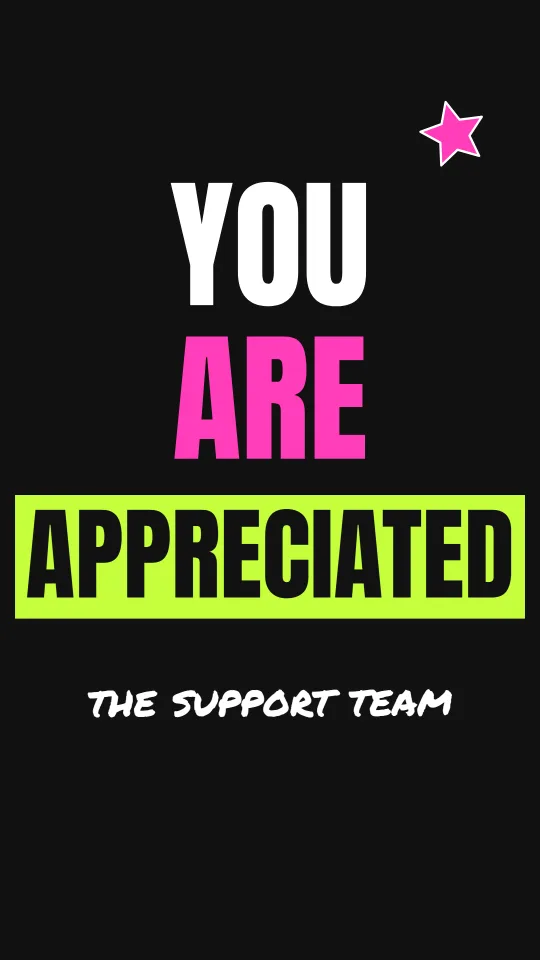
Black, lime and hot pink with huge kinetic type for Employee Appreciation Day on social
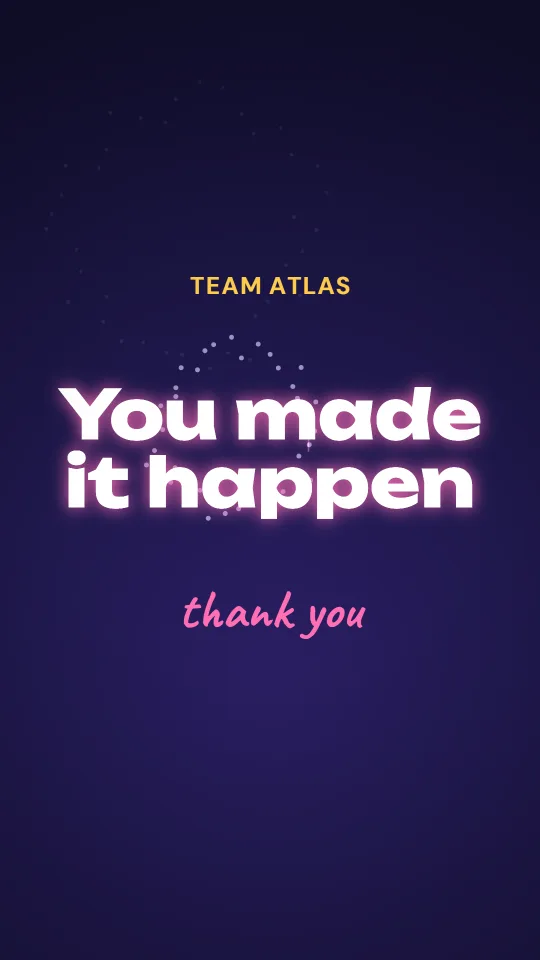
Midnight indigo, fireworks and a confetti cannon to thank a team after a launch or a big win
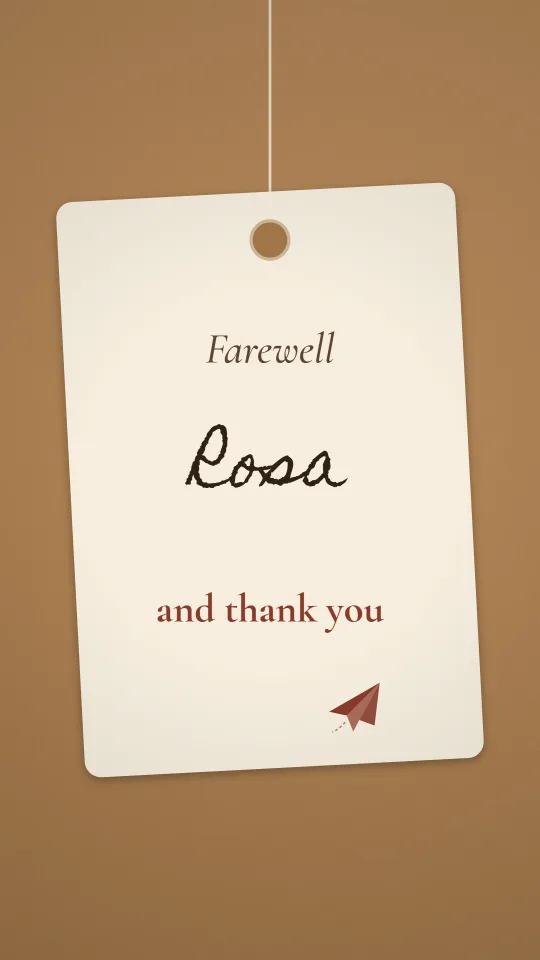
Kraft card, parcel twine and a handwritten luggage tag to wish someone well on their next adventure
Arrange photos by decade and put the year on screen as a short line of text. Old ID badges, staff newsletters and team photos from the 1990s get the biggest laughs.
Ask former colleagues, not just the current team. A twenty-second clip from someone they trained twenty years ago says more about a career than any speech.
Finish on the retirement plans: the allotment, the grandchildren, the boat. It turns a goodbye into a send-off.
More lines for colleagues and managers are in the thank you message ideas.
Not everyone can make the party. A short looping “Happy retirement” in the same design as the main video is easy to post in a team chat, an email or a card for the people working remotely. Export it as a GIF; it loops by itself and has no sound, so keep the words big and few.
Three to five minutes for a long career with many contributors; two minutes if it is mostly photos. Anything longer is better split into a short video for the party and a longer one to take home.
Yes. The colleagues and teams designs under Templates are free, with no sign-up and no watermark, and every word and photo can be replaced.
Yes. Add the photos in order with Add photos or clips, choose a song with Add music, and export an MP4. The music is a file from your own device, so pick one you are allowed to use if it will be shared publicly.
Yes. Choose a short design, keep the text brief, then press Export video and pick GIF. GIFs loop and are silent.
Ask the retiree’s closest colleague for names, then reach former staff through professional networks or old email lists. Ask for a short phone clip or a typed sentence you can put on screen.
Yes. It runs in a modern browser with no download, and the files are never uploaded, which tends to keep IT departments happy.