



When is Employee Appreciation Day?
The first Friday in March. In 2027 that is 5 March. Many companies also thank staff at the end of the year or after a big project.
Free · made on your device · no watermark
Thank a team, a department or the whole company with a short film of the year’s photos, real results and a few honest words, for Employee Appreciation Day or the end of the year.
Free, no account needed
Employee appreciation works best when it is specific: name what the team did, show the people who did it and say thank you plainly. An employee appreciation video does that in a minute or two. Pick a work template, add team photos and short clips, write the wins and the thanks, and export an MP4 to play at a meeting or send round.
Employee Appreciation Day is the first Friday in March (5 March 2027), and the end of the year is the other natural moment; in the UK the same idea usually goes by staff appreciation. The video is made in your browser, so photos of colleagues and internal numbers never leave your laptop, and there is no account or watermark. For more ways to recognise people, see the employee appreciation ideas.
Under Templates, pick one of the colleagues and teams designs. Landscape 16:9 suits a meeting-room screen or a video call; change Format to Square 1:1 for the internal newsletter.
Press Add photos or clips to add photos from the year, the team at work and short clips from managers or customers, picking them in the order they should play.
In Text, put two or three concrete achievements on screen (“42 new clients”, “the move to the new office”) and a closing thank-you signed by the leader or the company.
Choose a song file with Add music, watch it with Play, then Export video as an MP4. A short GIF of the closing card works in a chat channel.
Open one to start; every word, photo and the shape can be changed. All colleagues and teams templates
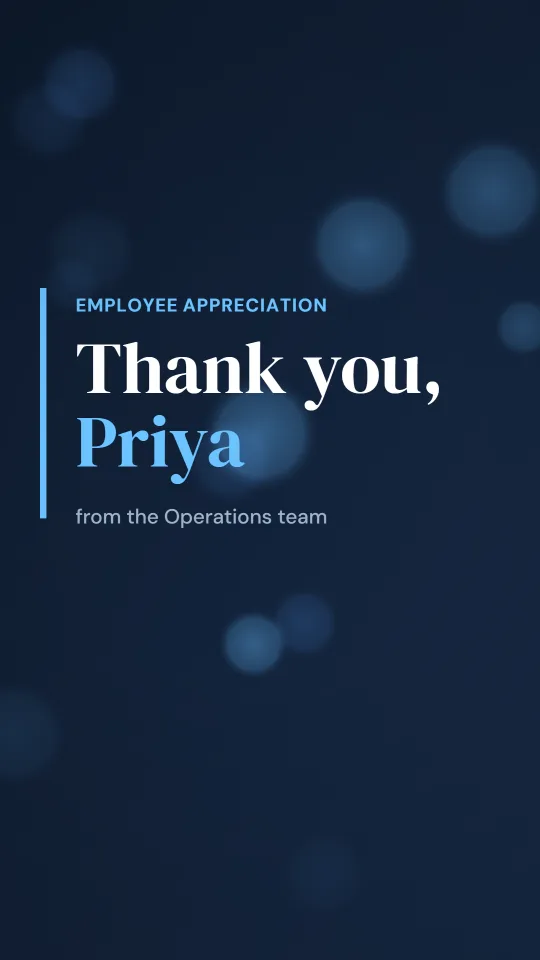
A polished navy widescreen film with a split-screen photo spotlight for employee appreciation
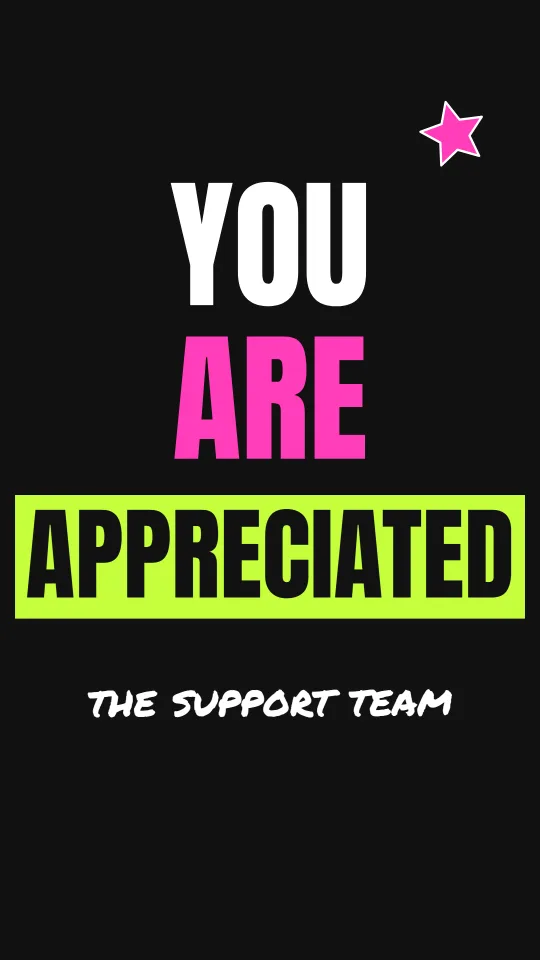
Black, lime and hot pink with huge kinetic type for Employee Appreciation Day on social
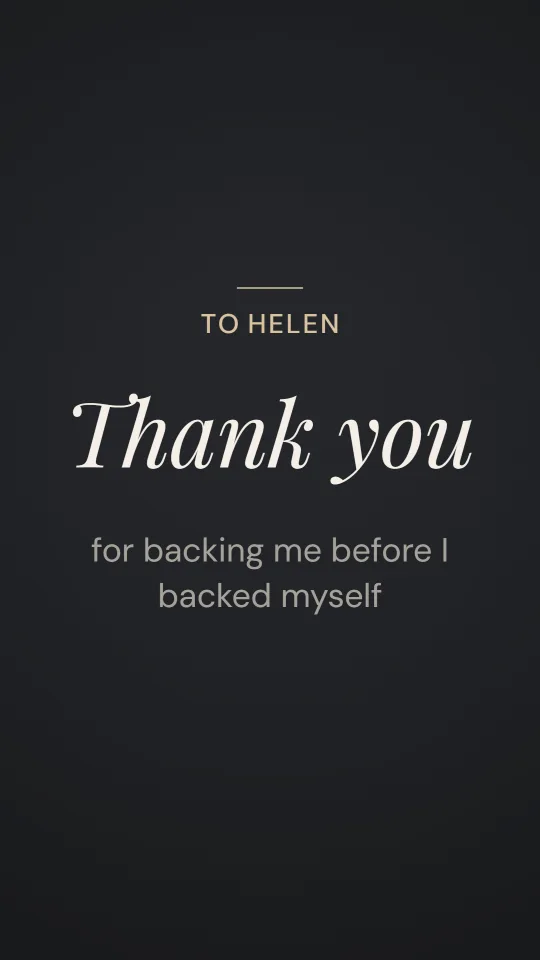
Charcoal and champagne with an italic serif, for a measured, sincere thank-you to a manager
A sunny, silly leaving video with a paper plane, postage-stamp photos and a big “good luck”
A slow sunset gradient, a rising sun and flowing script for a warm happy-retirement film
Gold foil on cream with an award rosette and glitter for a work anniversary or long-service thank-you
Midnight indigo, fireworks and a confetti cannon to thank a team after a launch or a big win
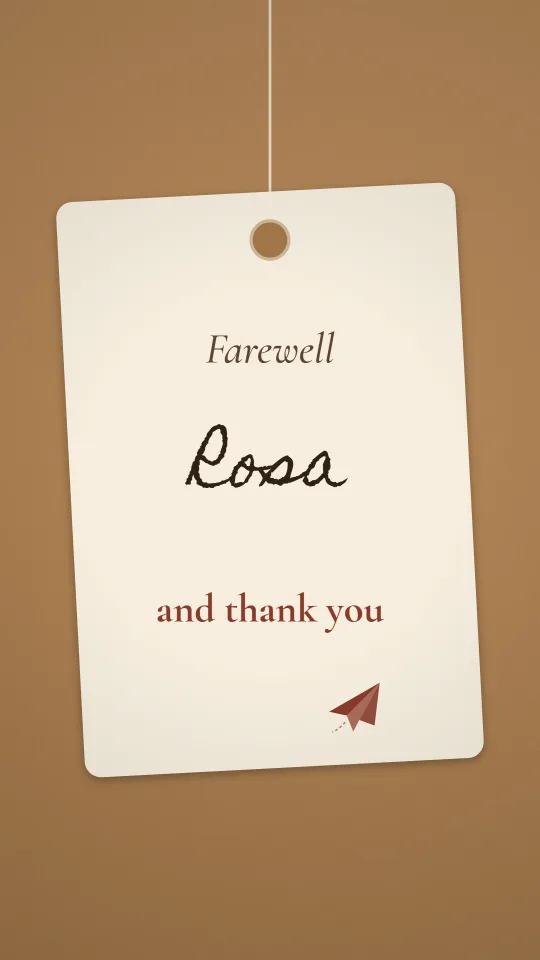
Kraft card, parcel twine and a handwritten luggage tag to wish someone well on their next adventure
Appreciation is not a substitute for fair pay or workload; a video lands well when it comes alongside other recognition, not instead of it.
Held on the first Friday in March. Play the video in the morning meeting or post it in the company chat first thing, so the thanks frames the day.
British organisations, schools and the NHS tend to say staff appreciation, and often tie it to the end of the financial or academic year. The same video works; just change the headline wording.
December is the moment for a year-in-review thank-you: the projects shipped, the people who joined, the milestones reached. Keep a running folder of photos from January so you are not searching for them in the last week.
Ask colleagues before using their photos in something that will be shared widely, and keep client logos and confidential figures out of anything that might be posted publicly. Because the file is made on your own device, you decide whether it goes to the team, the whole company or a public post.
Saying goodbye to someone rather than thanking a team? The farewell video page is built for that, and the thank you boss page covers thanks going the other way.
The first Friday in March. In 2027 that is 5 March. Many companies also thank staff at the end of the year or after a big project.
Between one and three minutes. Long enough to show every team and two or three achievements, short enough to play at the start of a meeting.
What the team achieved, in concrete terms, who made it happen, and a clear thank-you from leadership. Avoid generic slogans; a specific sentence lands better than a list of adjectives.
Yes. Add the logo as a picture with Add photos or clips and choose the template whose colours sit closest to your brand.
Yes. Ask each person for a photo or a short clip filmed on their phone, sent by your usual chat tool, then add them all in one go. The group thank you video guide explains how.
Yes. There is no business tier, no account and no watermark, and nothing you add is uploaded.