





What can I write instead of “thank you for coming”?
Try “thank you for joining us”, “thanks for being here”, “thank you for celebrating with us” or “thank you for spending the evening with us”. Add a second line with something specific to the event.
Free · made on your device · no watermark
Put a warm “thank you for coming” on the big screen as the event closes, then send a looping version to everyone who was there.
Free, no account needed
A “thank you for coming” screen is the last thing guests see as an event ends: a short looping video on the projector or TV with your thanks, the date and perhaps a photo or the next date for the diary. Pick a design here, change the words, export a Landscape 16:9 MP4 and play it on repeat as people leave.
Afterwards, export the same design as a GIF and drop it into the guests’ group chat, the event page or a follow-up email. It works for birthday parties, launches, conferences, school fairs, quiz nights and church services, and it is all made in your browser with nothing uploaded.
In Templates, pick from birthdays, weddings and parties. It opens in Landscape 16:9, the shape of most projectors and TVs; Format offers Vertical 9:16 for phones.
In Text, set “Thank you for coming” and a second line: the date, the host, a safe-journey message or the next event.
Press Add photos or clips to add a picture from tonight, the organisation’s logo or a sponsor’s, if you have permission.
Press Export video and choose MP4 for the screen, then export again as GIF for sharing afterwards. Download video saves each one.
Open one to start; every word, photo and the shape can be changed. All birthdays, weddings and parties templates
Midnight violet, streamers and tall neon-pink letters to thank everyone for coming
Gold foil script on warm cream with a thin double frame, for thanking wedding guests
Lilac and peach story frames with stacked photos to thank everyone for the birthday wishes
Black, electric lime and chunky wide type with full-bleed photos to say thanks for the birthday messages
Ink navy and old gold with a tumbling mortarboard to thank everyone who got a graduate there
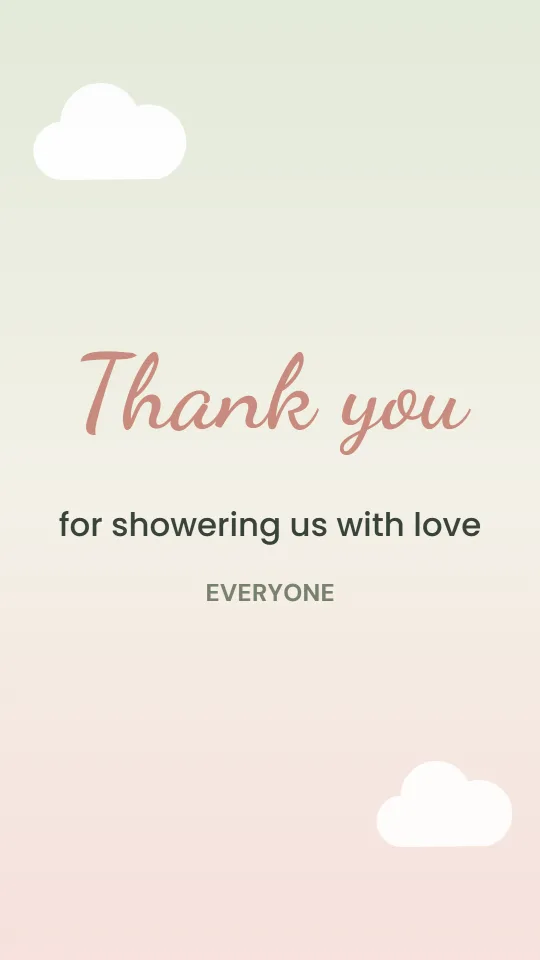
Sage, cream and blush with drifting clouds to thank everyone after a baby shower
Deep burgundy and champagne with clinking glasses for thanking guests at an anniversary party
At a milestone birthday, an anniversary or a christening, the screen that showed photos all evening can end on a thank-you from the hosts. Guests take photos of it, which is a nice keepsake.
Leave it running while people collect their coats, with the event hashtag or the date of the next one. If a speaker needs a closing slide inside their own deck, the thank you slide page covers that version.
A gentle “Thank you for coming, see you next Sunday” on the screen after a service or a fundraiser, with the notices for the week underneath.
Keep it to two lines that can be read from the back of the room. Large text, high contrast, no small print.
The day after, send the GIF with a few photos to the guests. For a birthday, pair it with lines from the birthday wishes thank-you; for a wedding reception, the wedding thank you video goes further.
Try “thank you for joining us”, “thanks for being here”, “thank you for celebrating with us” or “thank you for spending the evening with us”. Add a second line with something specific to the event.
Landscape 16:9 fills almost every modern TV and projector. Use Vertical 9:16 only for something people will watch on their phones.
Set your video player or TV to repeat and it will play round and round. The GIF version loops by itself wherever it is shown.
No. GIFs are always silent. Export MP4 if you want music on the screen.
No. Your photos and logo stay on your device and the files are made in your browser, free and without a watermark.