








Is “thank you for your attention” correct English?
Yes. It is grammatical and polite, and widely used to end formal presentations. It is a little more formal than “thank you for listening”.
Free · made on your device · no watermark
A composed, professional closing slide for board meetings, conferences and academic talks, with just enough movement to look finished.
Free, no account needed
Download one as a PNG for your last slide, or personalise it with your own words and save an MP4 or GIF that moves.




“Thank you for your attention” is the formal way to end a presentation, common at conferences, in academic settings and in meetings where English is a shared second language. This page makes it into a short animated closing slide with a calm, businesslike style.
Pick a restrained presentation design, add your name, affiliation or logo, and export in the Slide 16:9 shape as an MP4, a looping GIF or a PNG still. The file is created in your browser and nothing is uploaded, which helps when the deck is confidential.
For a warmer room, the thank you for listening slide or the general thank you slide may read more naturally.
In Templates, pick one of the quieter presentation designs. Leave Format on Slide 16:9 for a widescreen deck.
In Text, keep “Thank you for your attention” and add a second line with your name and organisation. Use Add photos or clips for a logo.
Press Play. For a formal setting the movement should be brief and finish on a steady frame.
Press Export video, pick MP4, GIF or PNG, then Download video and place it on your final slide.
Open one to start; every word, photo and the shape can be changed. All presentation end slides templates
A drifting violet-to-coral gradient with heavy rounded type for thank you for your attention
Cream paper, a laurel and a classic serif for a thesis defence, lecture or conference talk
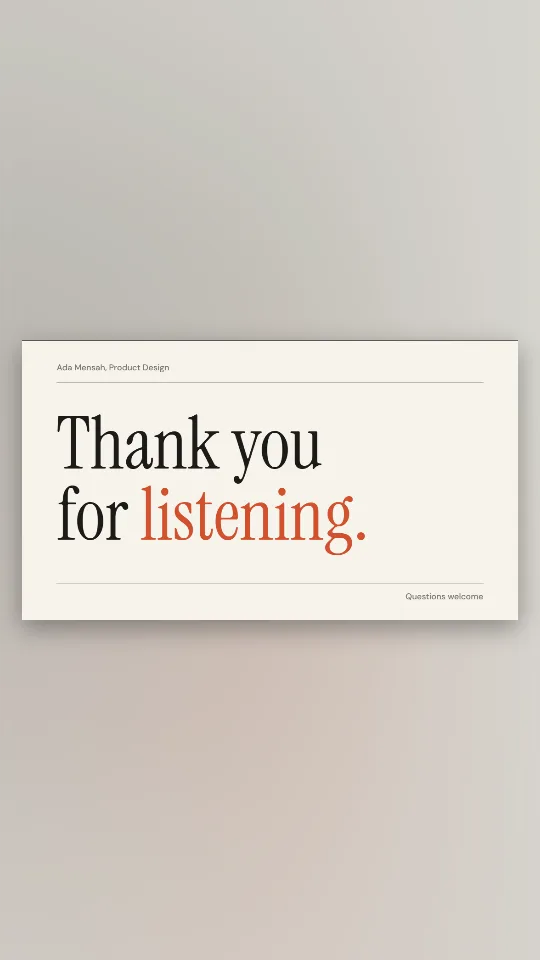
Off-white and ink with an editorial serif: thank you for listening, nothing more
A crisp navy end slide with a brass rule and room for your name and email
Deep indigo with a glowing question mark and soft bokeh, made for the Q&A
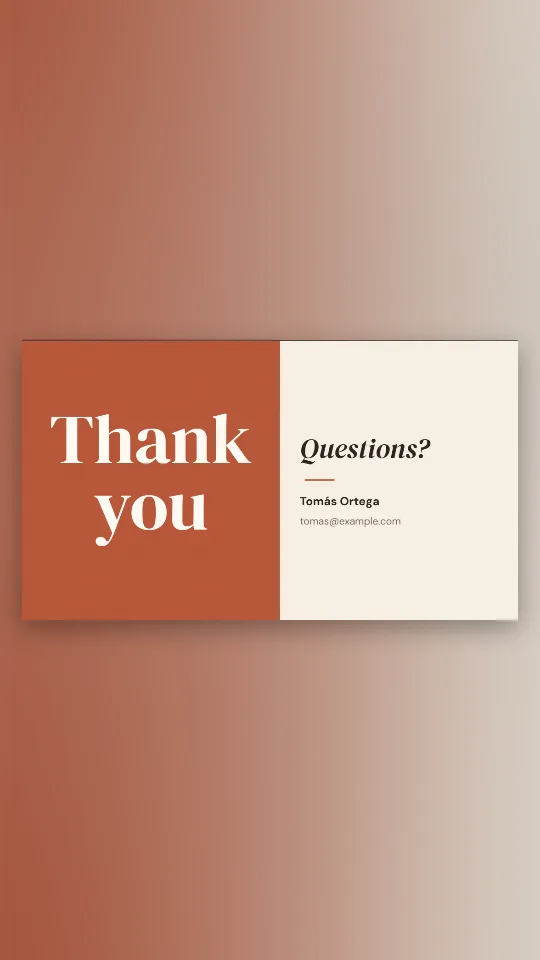
Half terracotta, half cream: thank you on one side, questions and your details on the other
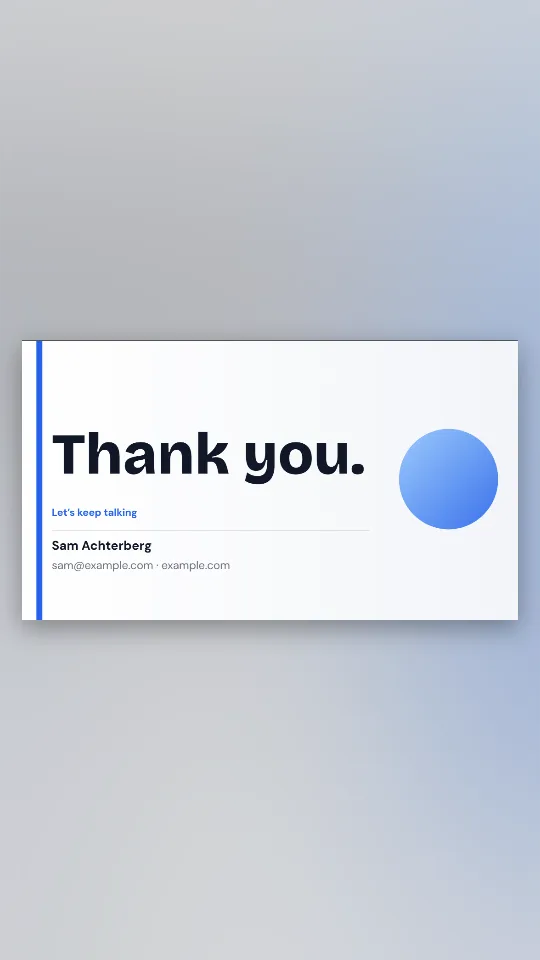
A clean white closing slide with your name, email or website and a big thank you
Huge condensed capitals with a neon highlighter stroke swiping in behind them
Some speakers find it stiff for a friendly team meeting. There, “Thanks, everyone” or “Questions?” on its own can sound more natural.
Formal audiences notice gimmicks. A short fade or a slow rise of the text looks deliberate; spinning or bouncing words undo the tone of a careful talk. Choose a silent GIF or a soundless video for a live room so nothing plays unexpectedly through the speakers.
If you would rather animate the line inside PowerPoint itself, the step-by-step PowerPoint guide covers the built-in entrance effects before the quicker file option.
Yes. It is grammatical and polite, and widely used to end formal presentations. It is a little more formal than “thank you for listening”.
It is a safe choice for formal settings. Many speakers add “Questions?” or a contact line so the slide also opens the discussion.
Yes. Add it with Add photos or clips; the image stays on your device.
A GIF or a silent MP4. Both play without sound, and a GIF needs no playback settings at all.
Yes. Choose PNG when you export the Slide 16:9 design to get a single frame for printed handouts or locked-down templates.