







Is “thank you for listening” professional enough to end a presentation?
Yes. It is polite and widely used at conferences, in lessons and in business meetings. Pair it with “Questions?” so the slide also invites the next part of the session.
Free · made on your device · no watermark
The polite last line of a talk, given a little life: a gentle animation you can drop onto your closing slide or send after a call.
Free, no account needed
Download one as a PNG for your last slide, or personalise it with your own words and save an MP4 or GIF that moves.




“Thank you for listening” is the classic closing line for a talk, a class presentation, a webinar or a podcast episode. Make it here as a short animation, with your name or a question prompt underneath, and export it as a video or GIF for your last slide.
Start from a presentation template, keep or change the words, and save it in the Slide 16:9 shape that fits a standard deck. A silent GIF is the easiest to insert; an MP4 can carry a few bars of music for a recorded session. Nothing you type or add is uploaded, and there is no watermark.
If your closing line is simply “Thank you”, the animated thank you slide has more layouts; for a formal audience, “thank you for your attention” may suit better.
In Templates, choose an end slide design. Format is set to Slide 16:9; switch to Vertical 9:16 if it is for a podcast clip on social media.
In Text, type “Thank you for listening”, then a second line: “Questions?”, your name, or where the slides can be found.
Press Play and watch it as the audience will: the line should be readable within a second and settle before the questions begin.
Press Export video, choose GIF, MP4 or PNG, then Download video and add it to the last slide of your deck.
Open one to start; every word, photo and the shape can be changed. All presentation end slides templates
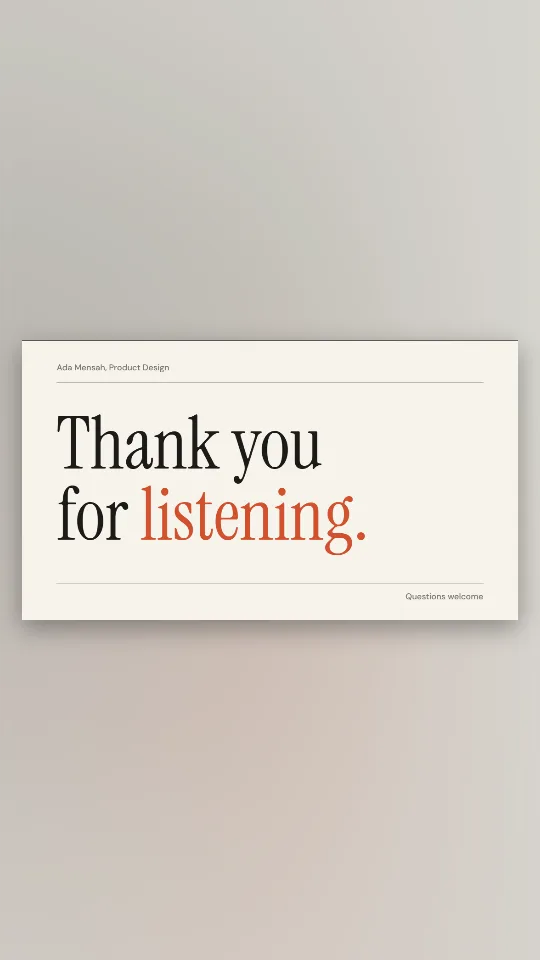
Off-white and ink with an editorial serif: thank you for listening, nothing more
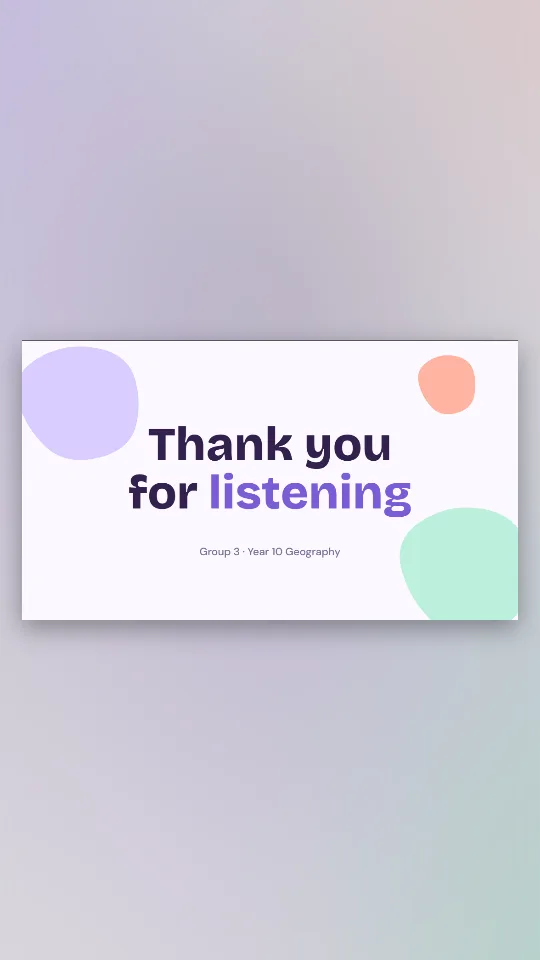
Lilac, mint and peach shapes drifting behind a friendly thank you for listening
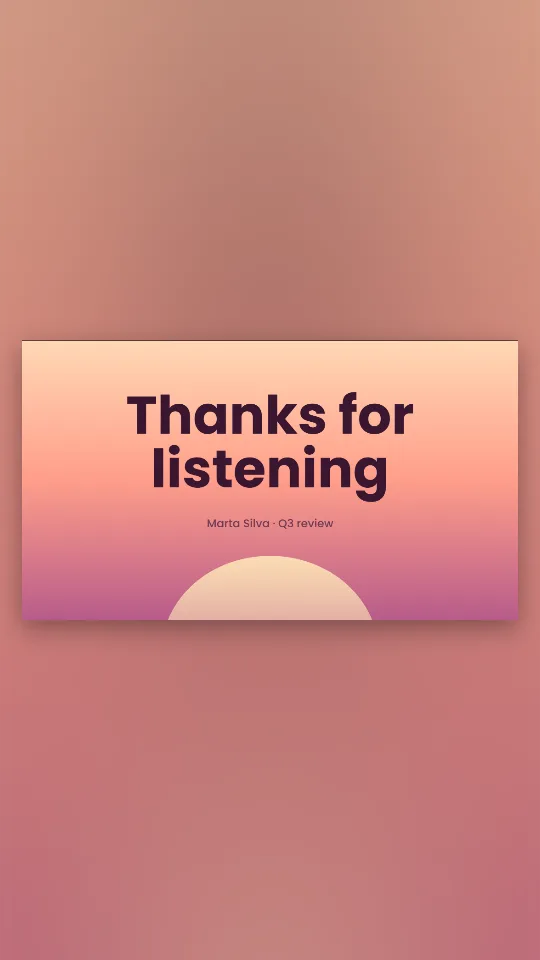
A warm peach-to-rose horizon with a soft setting sun and clean geometric type
An eighties sunset with a striped sun, a neon grid and a pink-glow thanks for listening
A crisp navy end slide with a brass rule and room for your name and email
A drifting violet-to-coral gradient with heavy rounded type for thank you for your attention
Deep indigo with a glowing question mark and soft bokeh, made for the Q&A
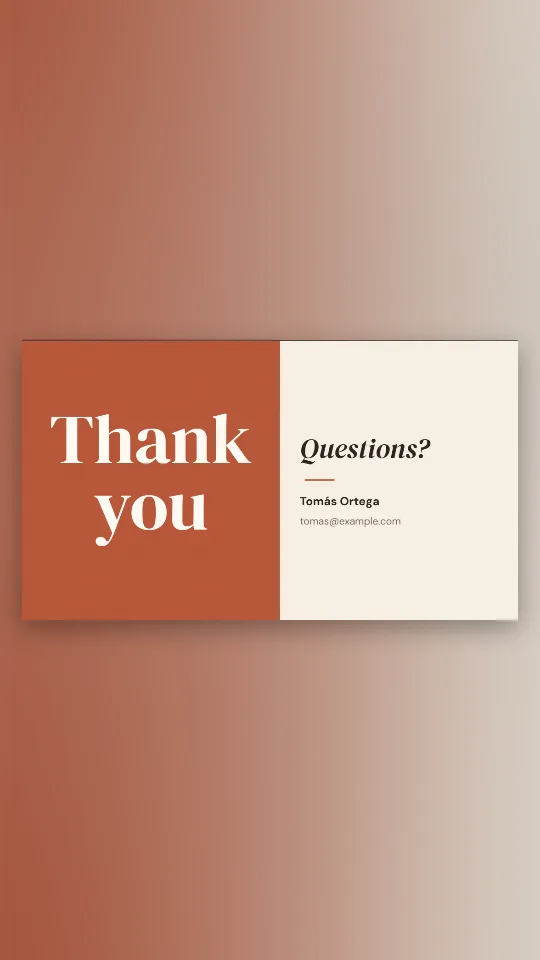
Half terracotta, half cream: thank you on one side, questions and your details on the other
For a demo-heavy session, “Thank you for watching” fits better; the thanks for watching designs cover that, including a version for the end of a presentation recording.
Use the GIF. It loops by itself, has no sound to catch you out and goes into PowerPoint or Google Slides as an ordinary picture.
Use the MP4. Add a soft song file from your device under Music if the ending deserves it, and the video will close the recording cleanly when you place it last in your editing app.
The exact menus for each slide app are in the PowerPoint animation guide.
If the phrase feels tired, a few honest swaps that still close the talk politely:
Yes. It is polite and widely used at conferences, in lessons and in business meetings. Pair it with “Questions?” so the slide also invites the next part of the session.
Both are fine. “Thank you for listening” is slightly more formal; “Thanks for listening” suits a podcast or a relaxed team meeting. Type whichever you prefer.
Yes. Choose GIF after Export video. It loops silently and works in slides, chat apps and emails that show animated images.
Yes, in Text. Keep it to a name and one short address so it can be read from the back of the room.
No. It is free, needs no account and leaves no watermark on the slide.