



What is a good idea for a thank you video?
Pick one specific thing the person did and show it: photos of the moment, a sentence about what it changed, and who it is from. Specific beats grand every time.
Guide · with a free thank-you video maker
Formats that people actually rewatch, lines that land, how to pick photos and a song, and the quickest way to put it together.
Free, no account needed
The best thank you video ideas are small and specific: one clear reason for the thanks, a handful of photos or clips that show it, a line or two of honest words and a song that suits the person. Pick one format below, keep it under two minutes, and it will be watched more than once.
You can build any of these in a phone or computer editor. If you would like a head start, the maker here has templates for each occasion, takes your own photos, clips and song, and exports an MP4 or a looping GIF on your device, with nothing uploaded and no watermark.
Stuck on the words rather than the pictures? The thank you message ideas list short lines by recipient, and a video with many contributors starts with the group thank you video guide.
Pick one of the formats below, then set Format for where it will be watched: vertical for a phone, square for a feed, landscape for a TV or a projector.
Open Templates and choose a design whose mood fits the idea, from playful to quietly formal.
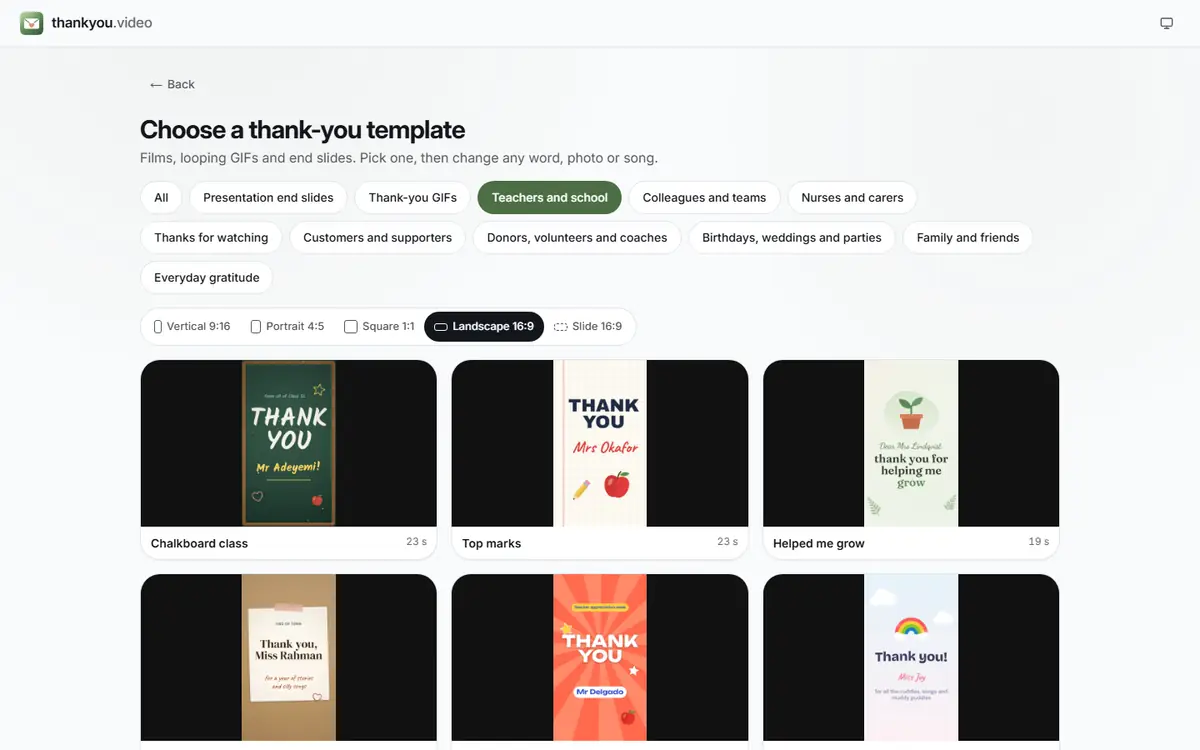 (enlarge image)
The template picker: choose an occasion, then a shape, then a design.
Press Add photos or clips and add the photos and short clips from your device, choosing them in the order that tells the story; scenes can be dragged along the strip of scenes afterwards.
Write your lines in Text, add a song with Add music under Music, and press Play to watch it from the top.
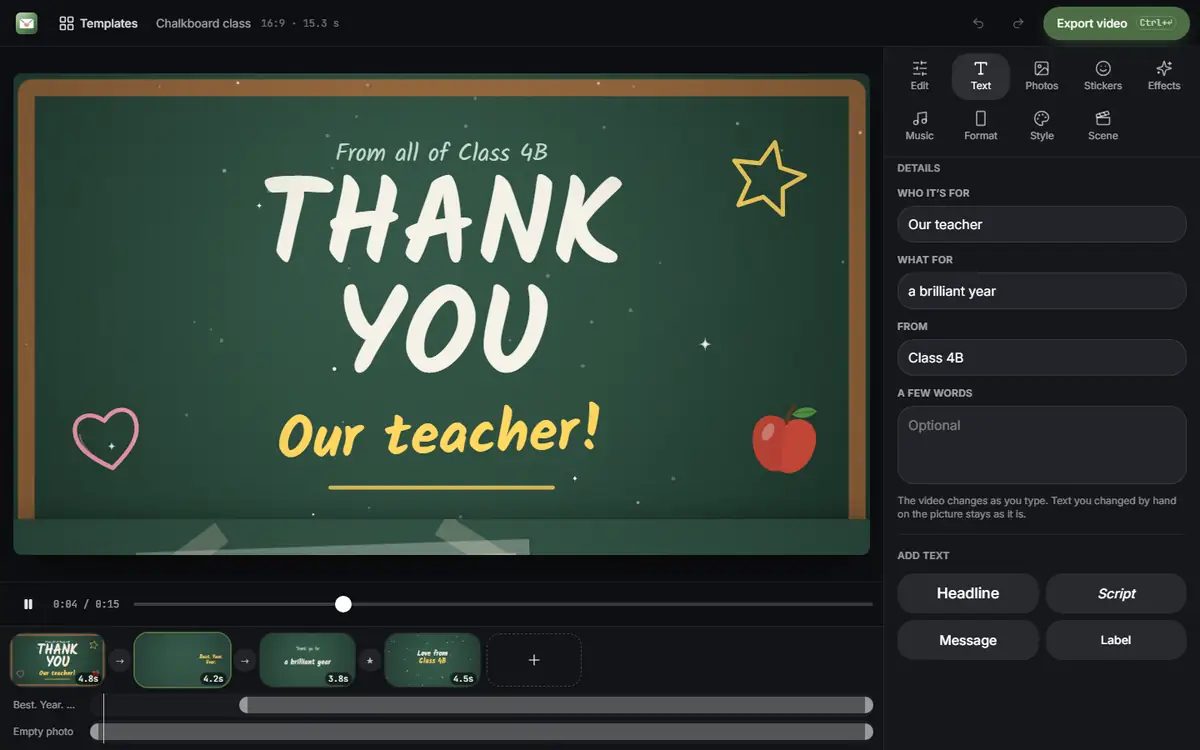 (enlarge image)
Change any word in Text; the preview updates as you type. Scenes sit in the strip under the preview.
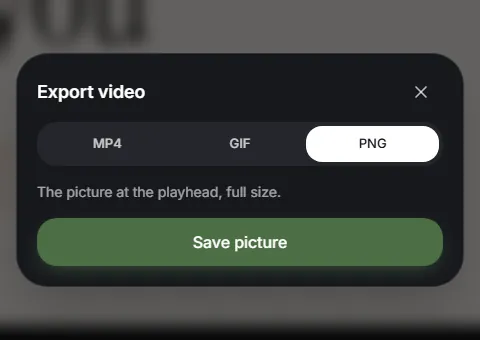
Press Export video and choose MP4 for a video with sound, or GIF for a short silent loop to drop into a chat. Then Download video it.
 (enlarge image)
Press Export video and choose MP4, GIF or, for a slide, PNG.
Open one to start; every word, photo and the shape can be changed. All everyday gratitude templates
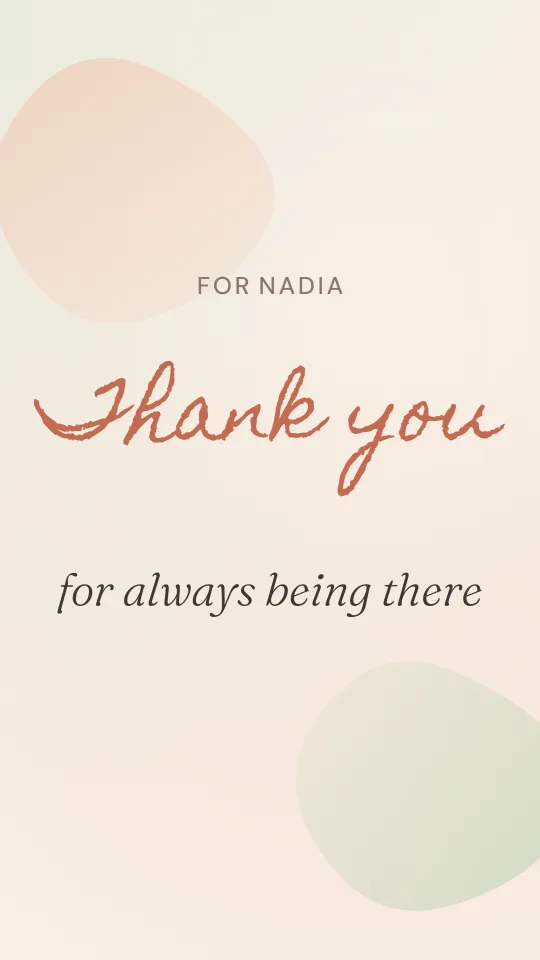
Soft peach and sage washes, a hand-lettered thank-you and photos in deckled cards
A virtual thank-you card: an envelope arrives on deep teal and opens to a handwritten note
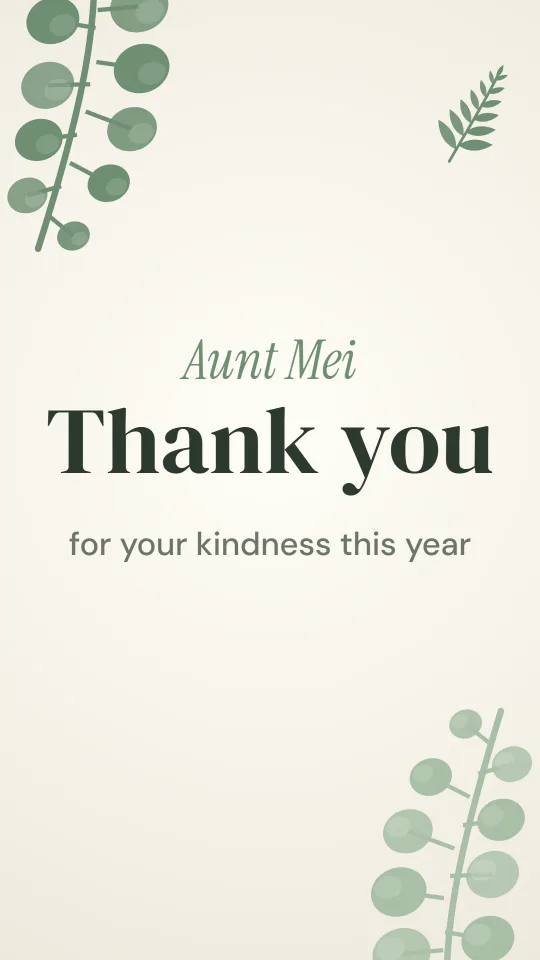
Sage eucalyptus sprigs framing warm ivory and a confident serif: calm, botanical gratitude
Magazine-style black and white with a single red rule and an oversized serif thank-you
Seventies sunburst, chunky rounded letters and stamp-edged photos, like a thank-you postcard from holiday
Butter yellow, a steaming mug and friendly handwriting for small kindnesses from neighbours and friends
On screen, less is more: a headline of two to four words and a message of one or two sentences. Read it aloud, and if it sounds like a shop-bought card, replace one phrase with a detail only you would know.
Thanks, the reason, the difference it made: “Thank you for every lift to training. I made the squad because of you.” Then sign it, so they know who it comes from.
Choose fewer, better pictures. Three to five seconds on screen is right for most photos; group shots and anything with writing need the longer end.
| Photos | Seconds each | Running time | Suits |
|---|---|---|---|
| 8 | 4 | about 30 s | A social post or a quick thank-you |
| 15 | 4 | about 1 min | One person you want to thank properly |
| 30 | 3.5 | about 2 min | A class, a team or a family |
| 60 | 3 | about 3 min | A retirement or a big celebration |
Order matters as much as choice: run them by date for a year or a career, save the best photo for just before the closing words, and alternate close-ups with group shots so the pace never sags. Rotate and crop sideways phone photos before adding them so faces survive a vertical or square shape.
Warm, unhurried music suits gratitude: piano, acoustic guitar, or a gentle song the person already loves. Choose a track close to the video’s length with a soft ending, so it does not stop mid-line. If spoken clips are mixed in, an instrumental keeps the voices clear.
For a private video, most people use a song they have bought. If you will post it publicly, platforms may mute commercial tracks, so pick royalty-free music or add the platform’s own licensed sound when you post. The maker comes with a handful of its own tracks under Music, or plays a song file you add from your device.
Pick one specific thing the person did and show it: photos of the moment, a sentence about what it changed, and who it is from. Specific beats grand every time.
Choose a template, press Add photos or clips to add your photos and clips, write the message in Text, add a song, then press Export video. It takes about ten minutes once the pictures are on your device.
Thirty seconds to two minutes for one person. A group video with many messages can run to four minutes, but tighter is kinder to the viewer.
One that means something to the person, or a calm instrumental if voices are speaking over it. If the video will be posted publicly, choose music you have the right to use.
Yes. Many of the best ones are photos of the moments being thanked, plus words on screen. Nobody has to appear on camera.
A video with sound for a proper thank-you to keep; a short GIF for a quick, playful reply in a chat or an email. The maker exports either from the same design.
Yes, in Safari or Chrome. The iPhone guide walks through it, including where the finished file is saved.