Made on your device
Photos, clips and music are read by your browser and the video is put together there. Nothing is sent to us, so pictures of children, patients or guests stay with you.
Free · made on your device · no watermark
Turn a few photos, clips and heartfelt words into a short thank-you film, a looping GIF or an animated end slide, for a teacher, a team, your customers or someone you love. Pick a template, add a song and save it. Nothing is uploaded and there is nothing to sign up for.
Free, no account needed
Photos, clips and music are read by your browser and the video is put together there. Nothing is sent to us, so pictures of children, patients or guests stay with you.
The same thank-you saves as an MP4 with sound, a looping GIF for chats and emails, or a short end slide for PowerPoint, Google Slides and Keynote.
No account, no trial and no logo stamped on the end. Templates for teachers, teams, customers, guests and family, all free to change.
Templates
Start from a design made for the people you are thanking, then change every word, swap in your own photos and choose the shape. See every thank you video template, or start from one of these.
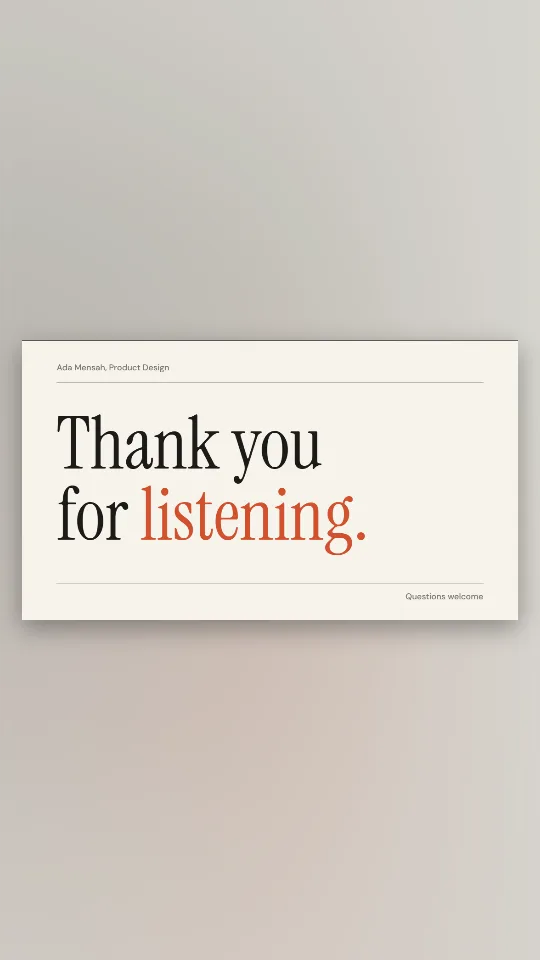
Off-white and ink with an editorial serif: thank you for listening, nothing more
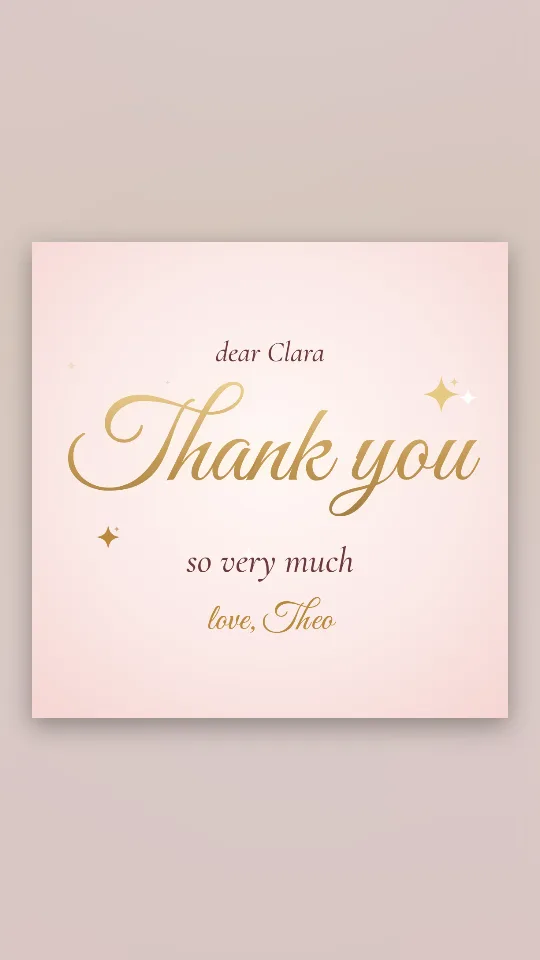
Flowing gold lettering on a blush ground, with a few sparkles catching the light
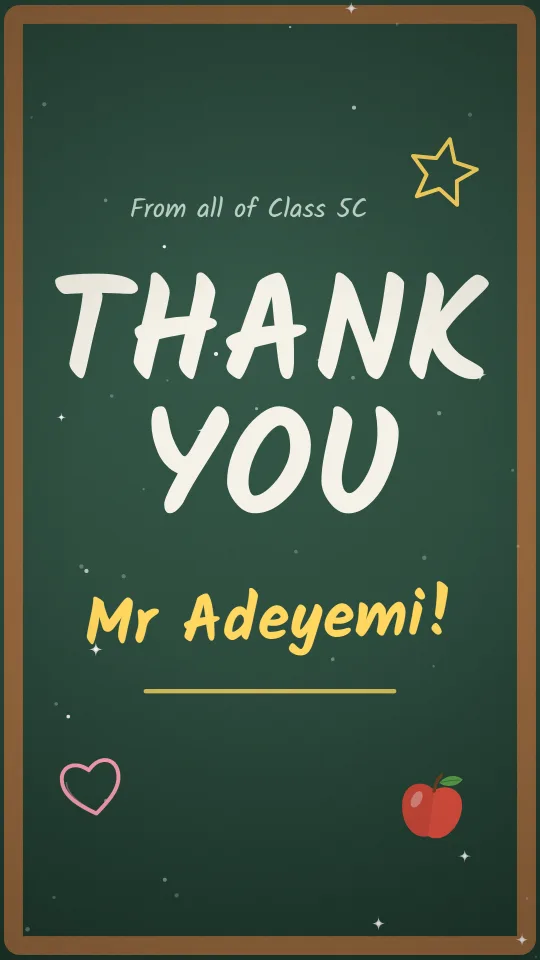
A wood-framed green chalkboard, chalky handwriting and taped-up class photos
Deep teal with a coral heartbeat line and bold type for a nurse appreciation film
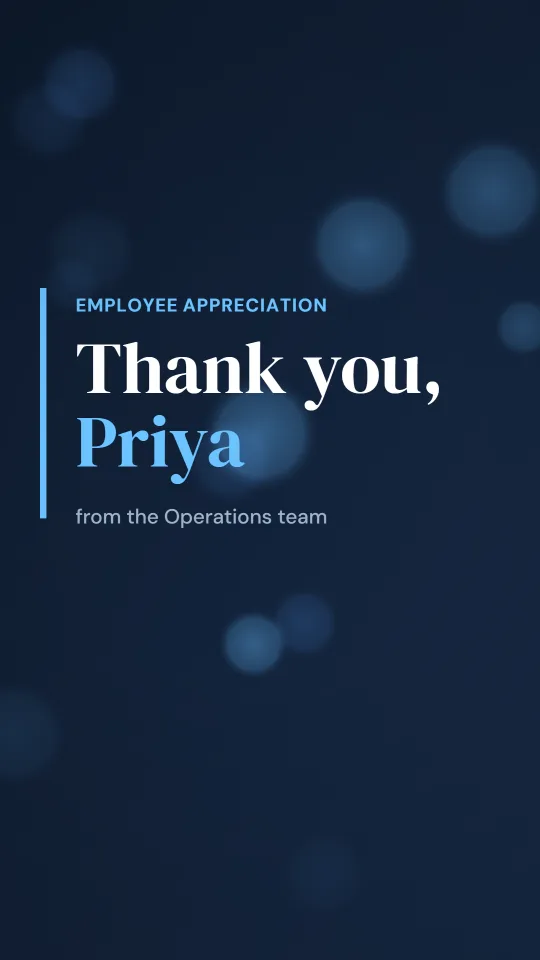
A polished navy widescreen film with a split-screen photo spotlight for employee appreciation
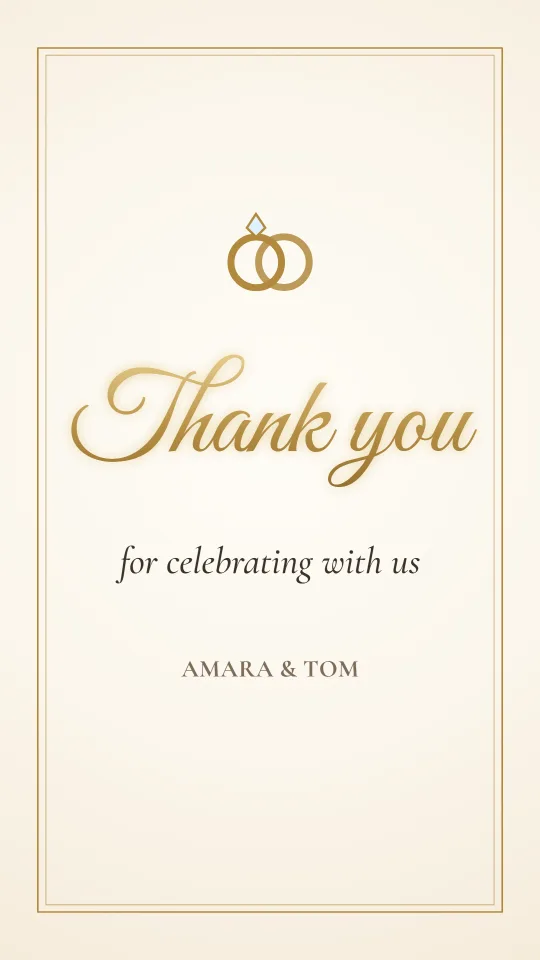
Gold foil script on warm cream with a thin double frame, for thanking wedding guests
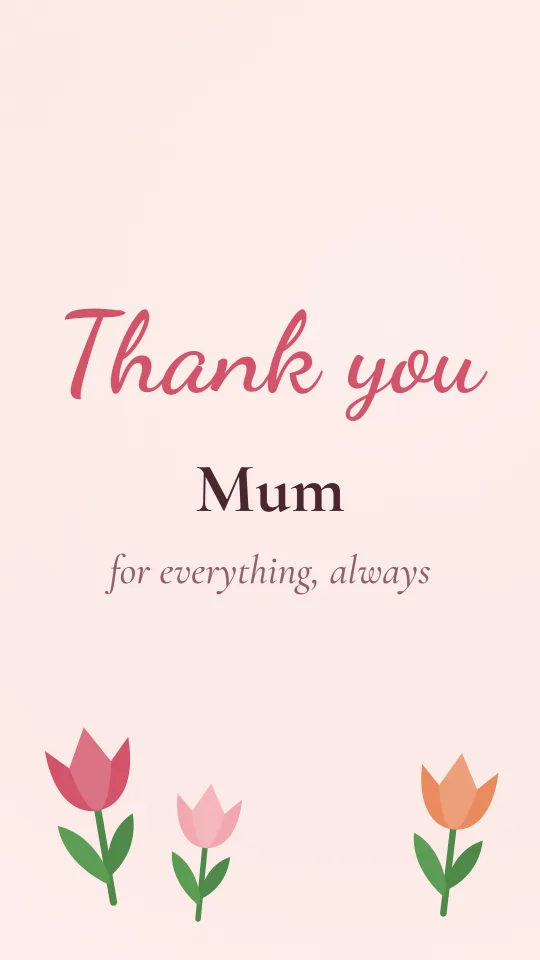
Blush watercolour, swaying tulips and a flowing script that says thank you to Mum
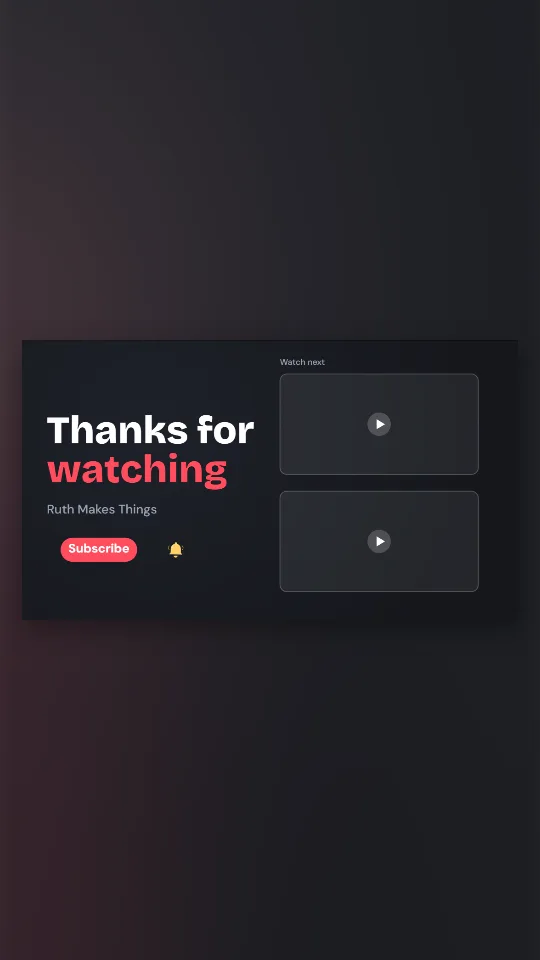
A dark 16:9 end screen with your channel name, a subscribe pill and two frames for your next videos
How it works
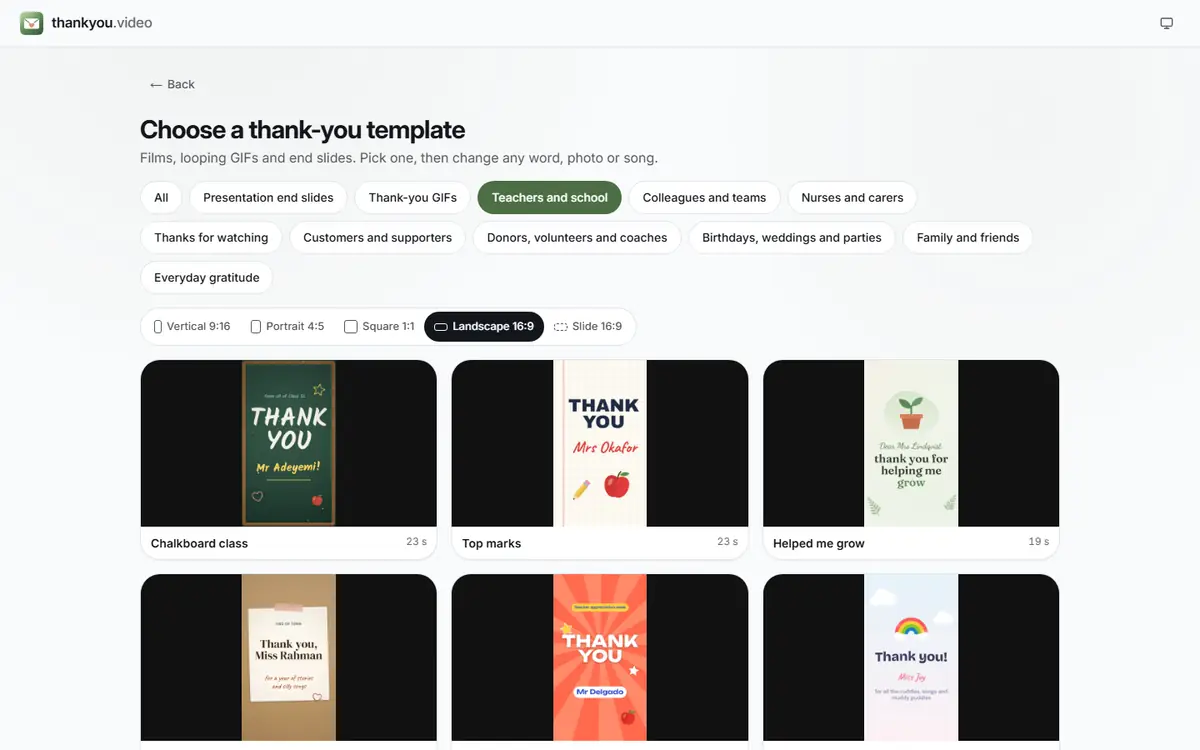
Open the maker and pick a design under Templates, from an end slide to a class thank-you. Format sets vertical, square, portrait, landscape or Slide 16:9.
 (enlarge image)
The template picker: choose an occasion, then a shape, then a design.
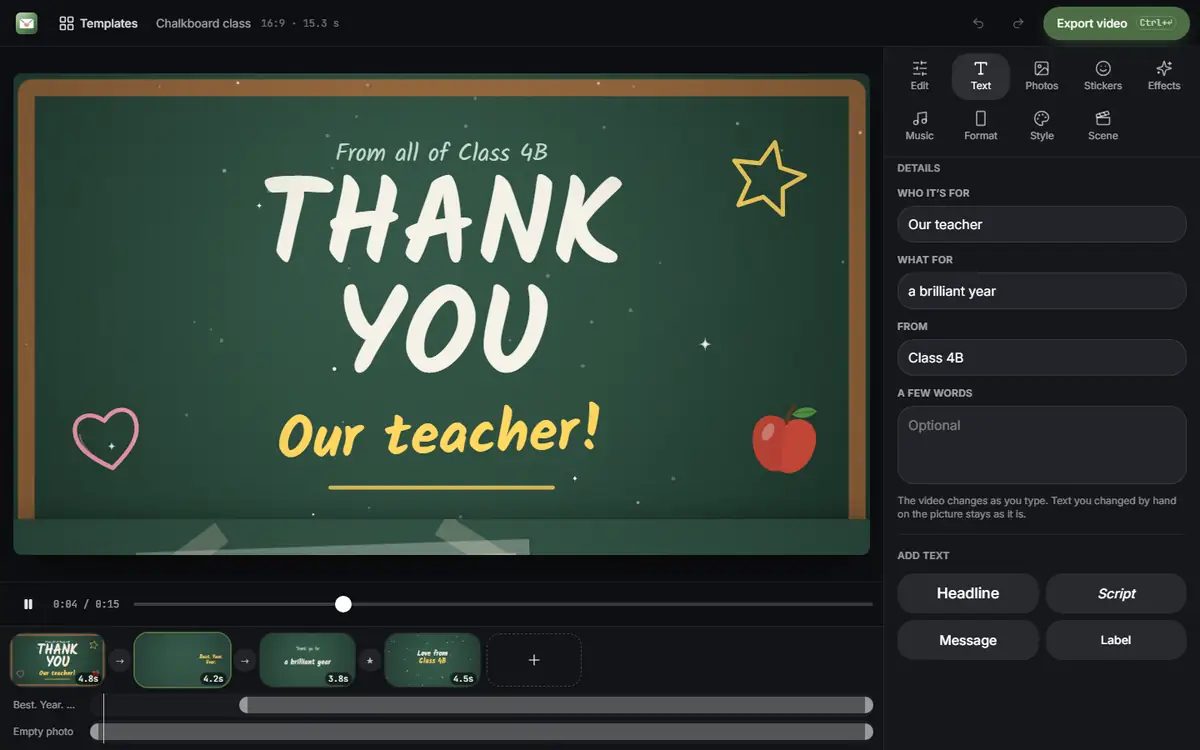
Press Add photos or clips to bring in pictures and short videos, change the headline and message in Text, and choose a song from your device with Add music.
 (enlarge image)
Change any word in Text; the preview updates as you type. Scenes sit in the strip under the preview.
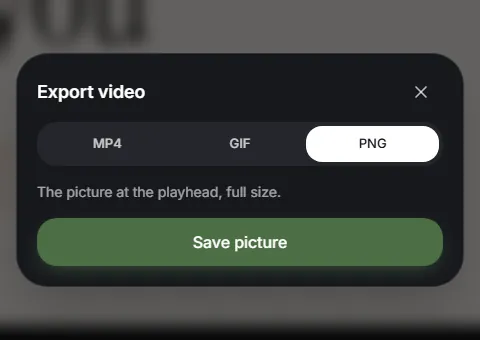
Press Export video and choose MP4 or GIF; the file is made in your browser. Then Download video, or Share on a phone, and send or post it.
 (enlarge image)
Press Export video and choose MP4, GIF or, for a slide, PNG.
Most thank-yous are short. An animated thank you slide runs five to ten seconds, a thank you GIF a few seconds on a loop, and a personal video thirty seconds to a minute. A Teacher Appreciation Week video or a group video from colleagues takes longer, because you gather clips from other people first.
Stuck for words? The thank you message ideas have lines for every kind of recipient, and the thank you video ideas cover what to show, how long to make it and how to choose a song.
The words matter most
The templates take care of the look. What people remember is one specific, honest sentence. A few examples, and many more thank you message ideas for every kind of recipient:
“Thank you for staying late to help me with fractions. I finally get it.”
For a teacher
“You covered my shifts for three weeks and never once made me feel bad about it.”
For a colleague
“Because of your gift, forty families had a warm room this winter.”
For a donor
Ideas by occasion
Pick a template, press Add photos or clips to add your pictures and clips, write your message in Text, add a song under Music if you like, then press Export video and Download video. It all happens in your browser and takes a few minutes. The thank you video ideas go into more detail.
Yes. Every template and every export is free, with no account, no trial and no watermark on the finished video, GIF or slide.
No. Your browser reads the files from your device and makes the video there. Nothing you add is sent to us or stored on a server, which is why it suits photos of children, patients and private events.
Yes. Press Export video and choose GIF for a silent, looping file that plays in chats, emails and slides. MP4 keeps the music. The thank you GIF page has ideas and sizes.
Yes. Choose Slide 16:9 under Format for a short 16:9 clip that loops cleanly, then save it as an MP4 or GIF, or a PNG still. See the thank you slide page for inserting it into PowerPoint, Google Slides and Keynote.
Say what the person did and what difference it made, in one or two sentences, then sign it from whoever it is from. Specific beats grand: “thank you for staying late to help me with fractions” lands better than “you’re the best”. See the thank you message ideas for examples.
Thirty to sixty seconds for a personal card or a social post, two to four minutes for a group video with many messages, five to ten seconds for an end slide. Shorter is usually kinder to the viewer.
Yes. Music has built-in tracks, or press Add music to choose a song file from your device, and the music can fade in and out. You can also record a spoken thank-you with your microphone; it stays on your device. GIFs never carry sound.
Vertical 9:16 for phones, Stories, Reels and TikTok; Square 1:1 or Portrait 4:5 for feeds; Landscape 16:9 for a TV, a classroom screen or YouTube; Slide 16:9 for the end of a presentation. Change it any time with Format.
Not directly: there are no shared links or uploads. One person collects the clips by WhatsApp, email or a shared folder, then adds them all here. The group thank you video guide includes a message you can send to everyone.
Yes, in Safari, Chrome and other modern browsers on phones, tablets and computers. On a phone the finished file can go straight to the share sheet; the iPhone guide shows where it saves.
Yes, in this browser. Projects are saved as you go and listed on the projects page, so you can come back later on the same device and browser to finish or make a second version.
Yes, for customer, client, donor and volunteer thank-yous. It makes the file only; there is no mailing list, CRM or email sending, so you attach or upload it with the tools you already use. See thank you for your business and the donor thank you video.
A slide takes a minute and a video about five. It costs nothing, and it will probably be watched more than once.